



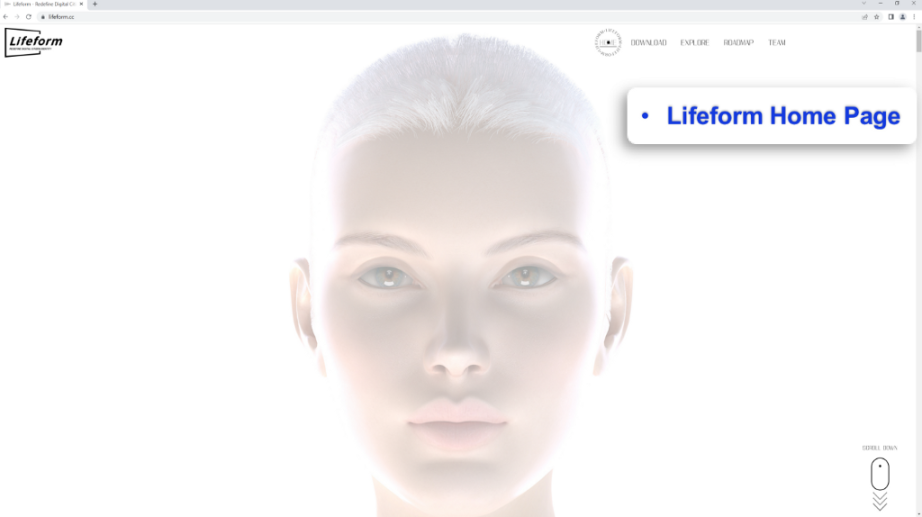
Download: https://lifeform.cc
I. Equipment Requirements:
To use Lifeform software, you need one cell phone and a computer with Windows operating system.
- PC version: Windows 10 or Windows 11
- Recommended PC Requirements:
CPU: 12 core 3.4 X GHz
RAM: 64 GB RAM
GPU: Nvidia GTX 2080 / AMD Radeon 5700 XT or higher GPU - The Lowest PC Requirements:
CPU: 12 core 3.4 X GHz
RAM: 32 GB RAM(16 GB is available but with lower performance)
GPU: Nvidia GTX 1060 / AMD RX Vega 64 or higher GPU(8GB video memory) - Network environment: 2.4GHz(Recommended)
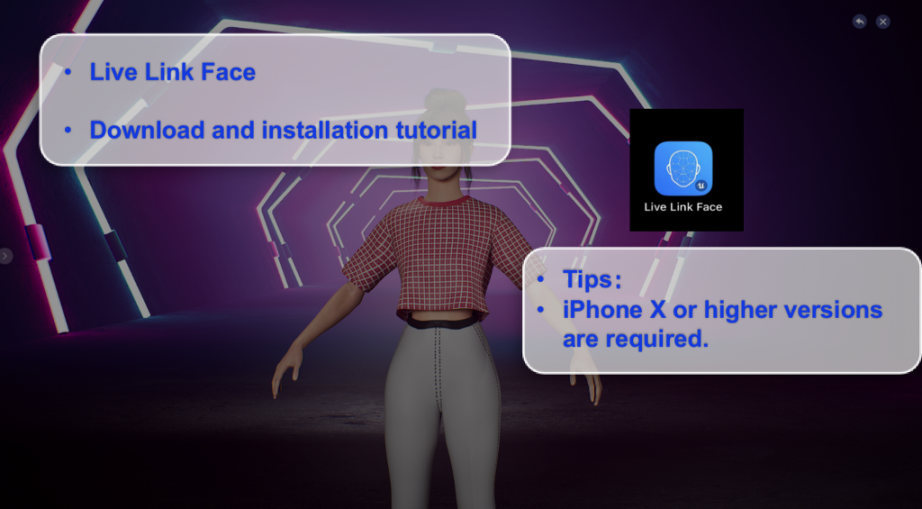
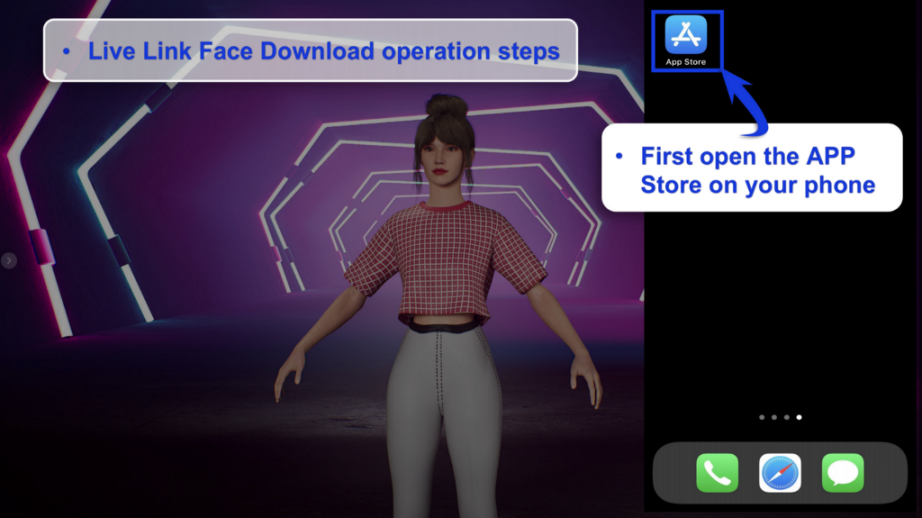
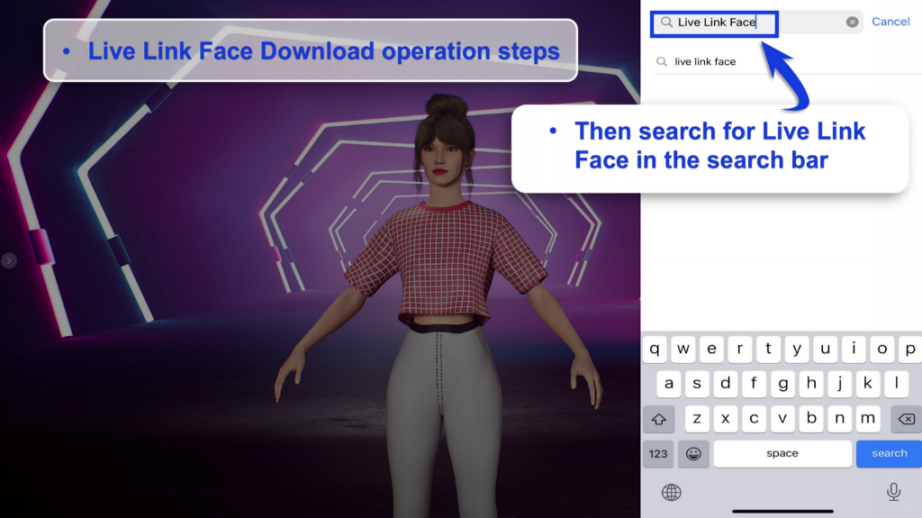
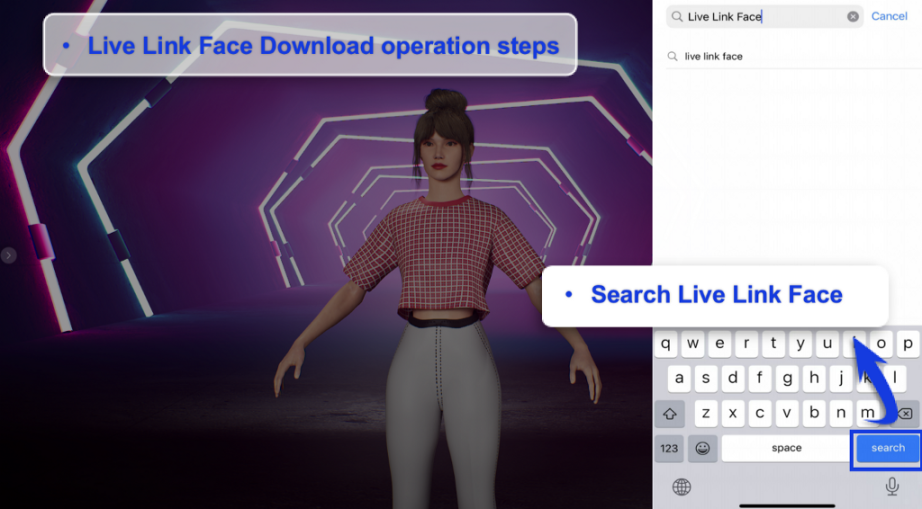
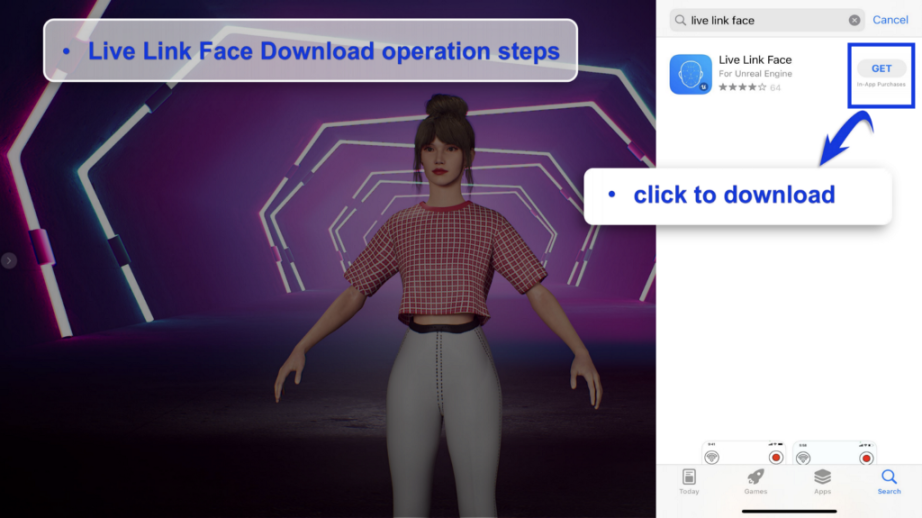
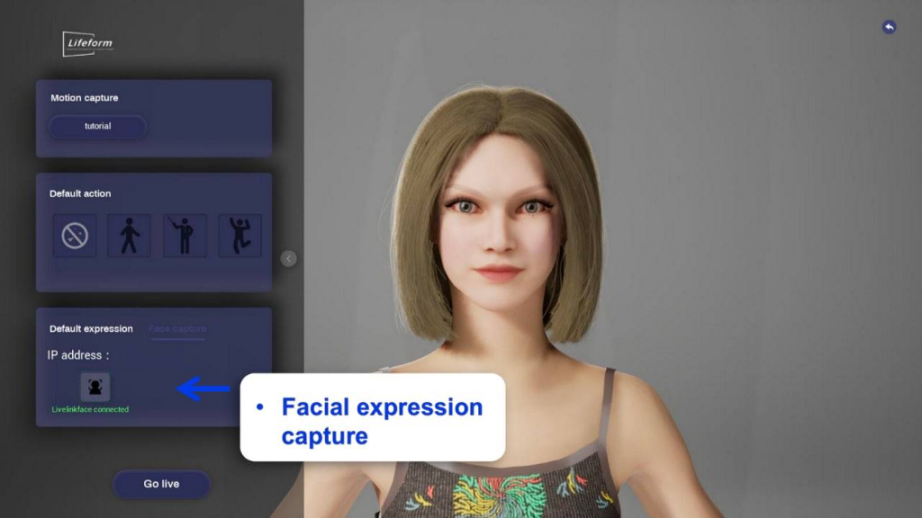
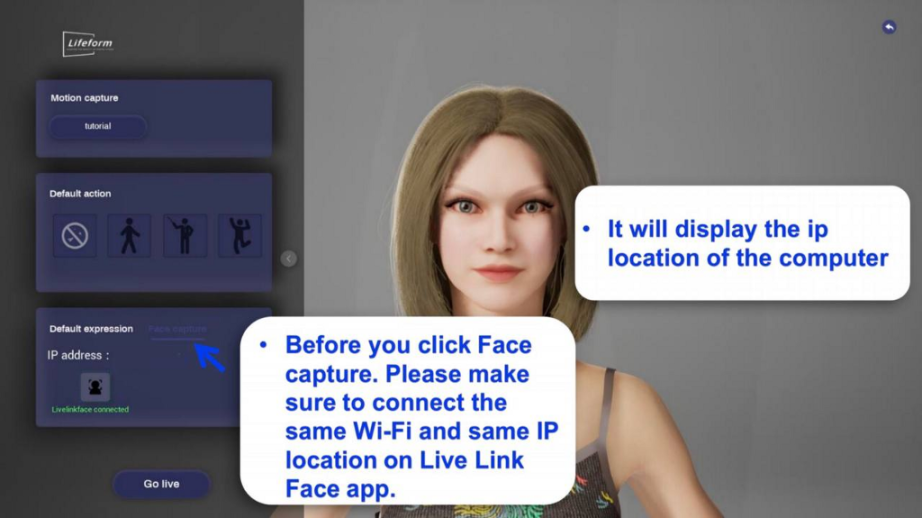
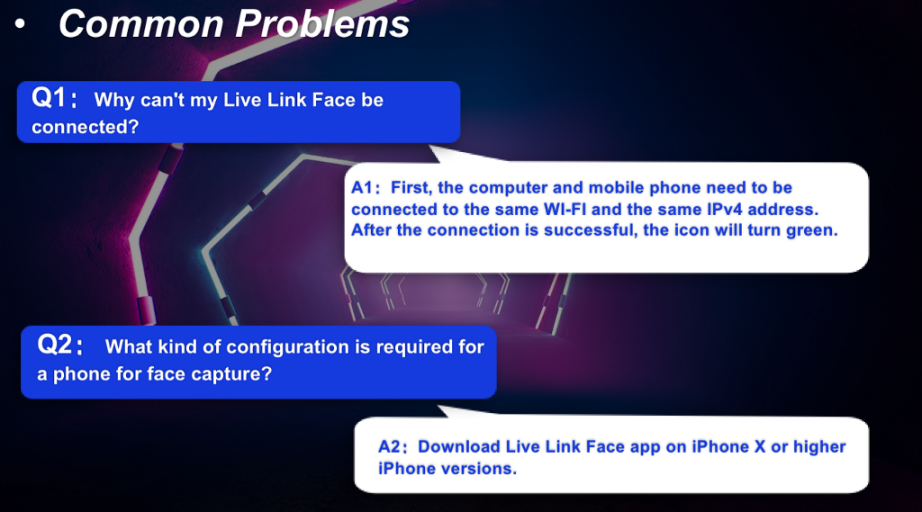
Please use iPhone X or higher versions for face capture, download the Live Link Face from App Store if you want your avatar to go live.
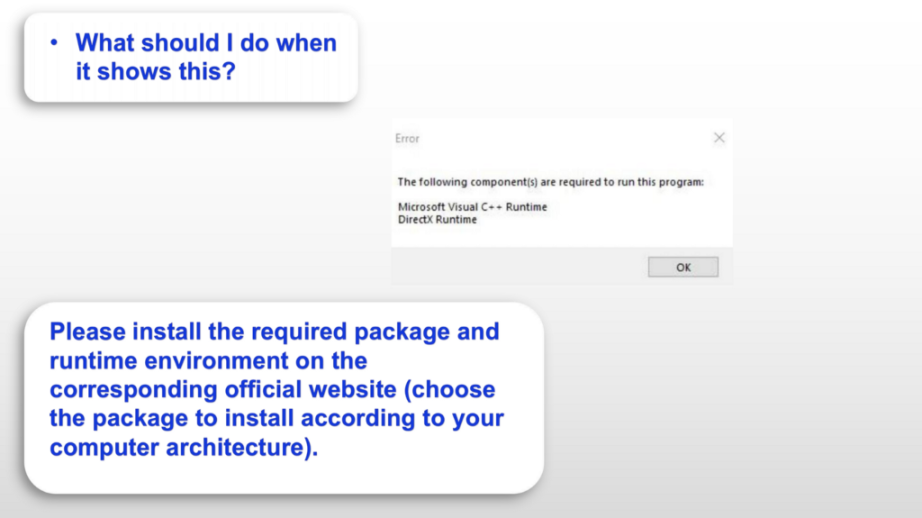
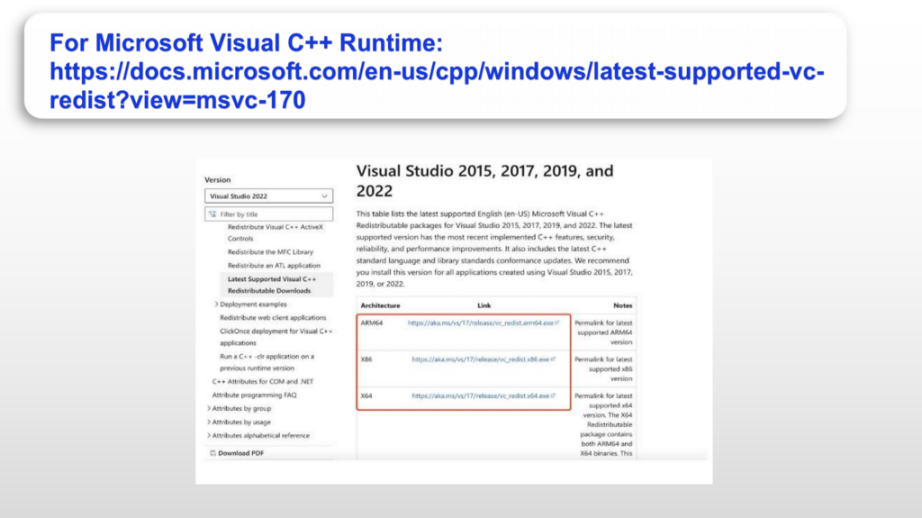
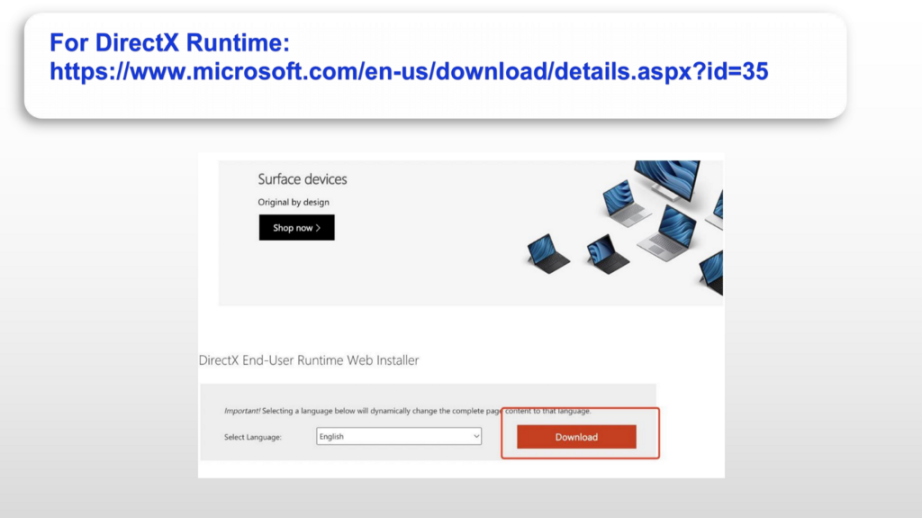
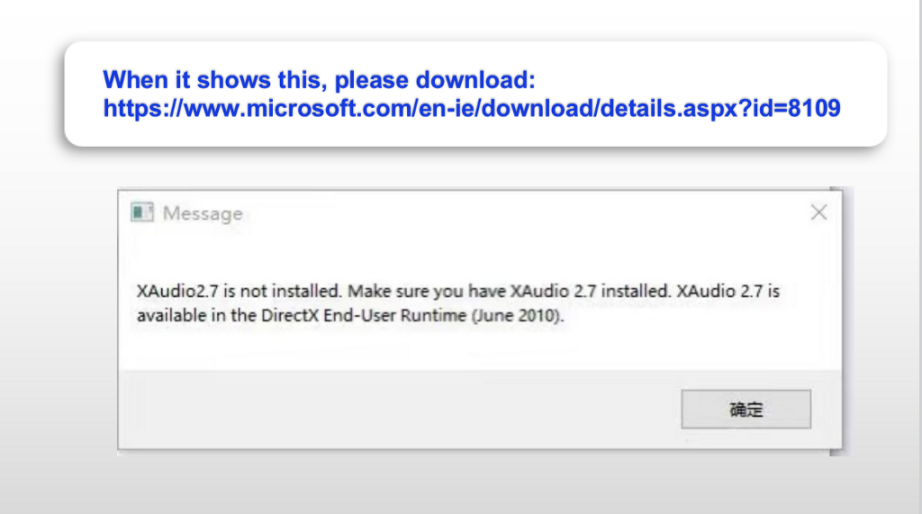
II. Note: If the computer has not installed the environment before, it would alert: “The following components are required to run this program: Microsoft Visual C++ Runtime DirectX Runtime”
Please redirect to the official website to install the required package and runtime environment:
- For Microsoft Visual C++ Runtime:
https://docs.microsoft.com/en-us/cpp/windows/latest-supported-vc-redist?view=msvc-170 - For DirectX Runtime:
https://www.microsoft.com/en-us/download/details.aspx?id=35
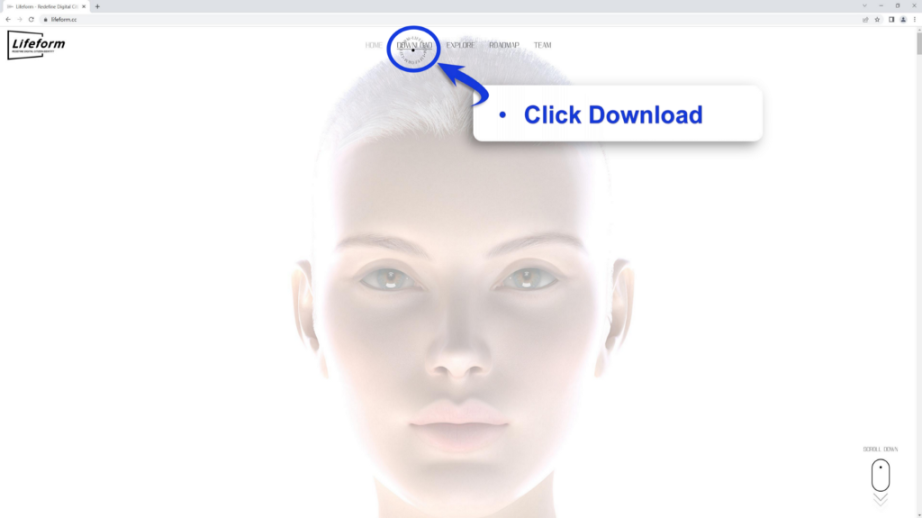
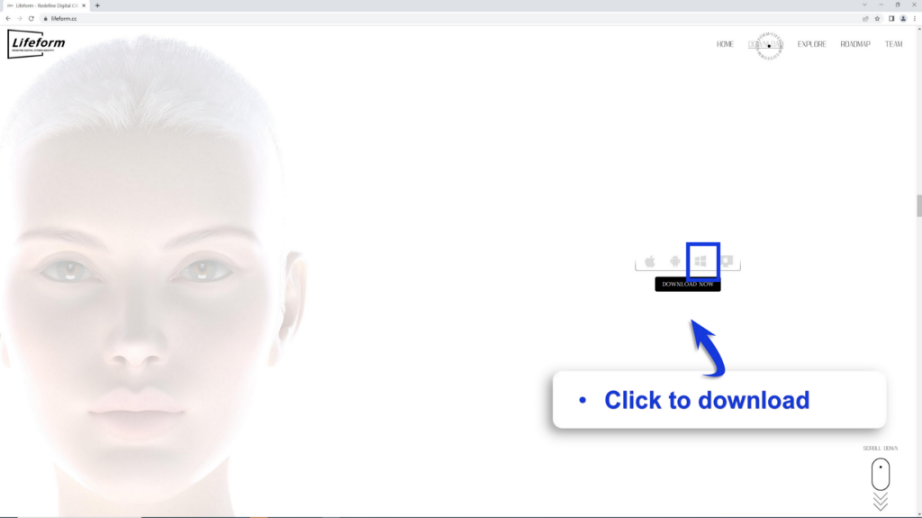
Download



Required Runtime Environment
Live Link Face
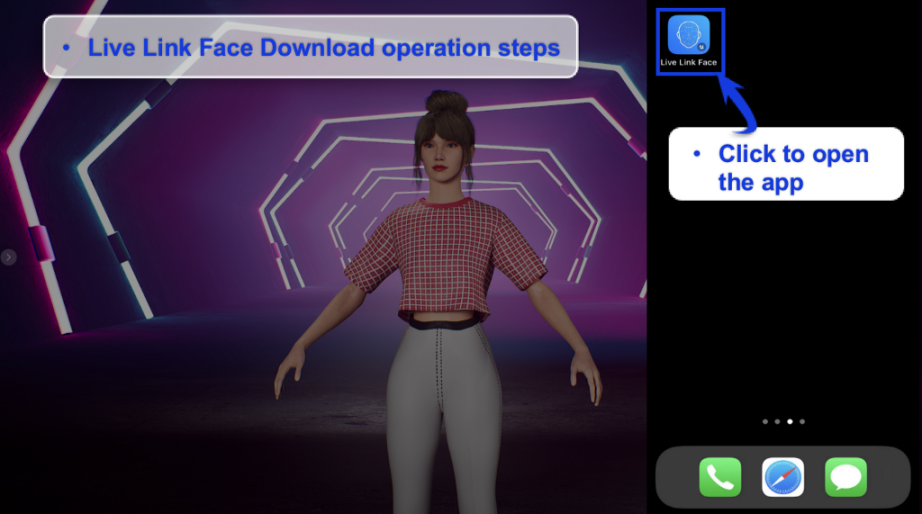
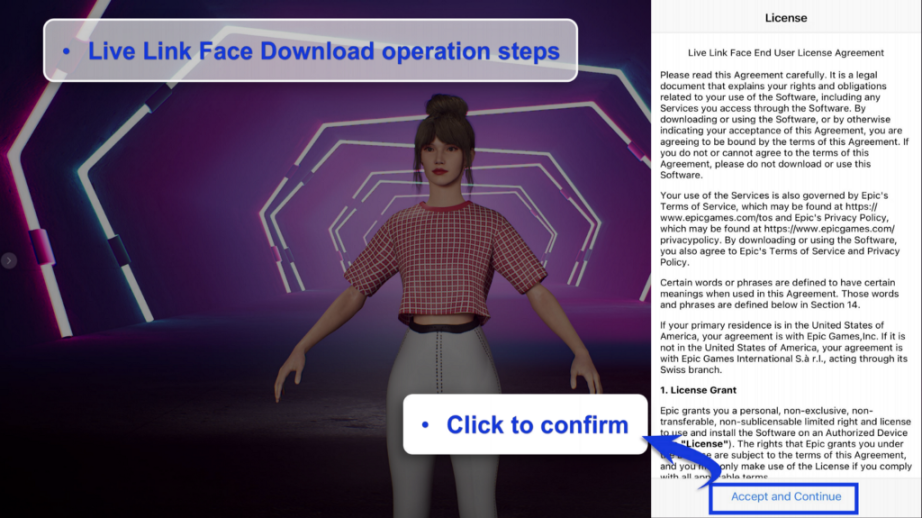
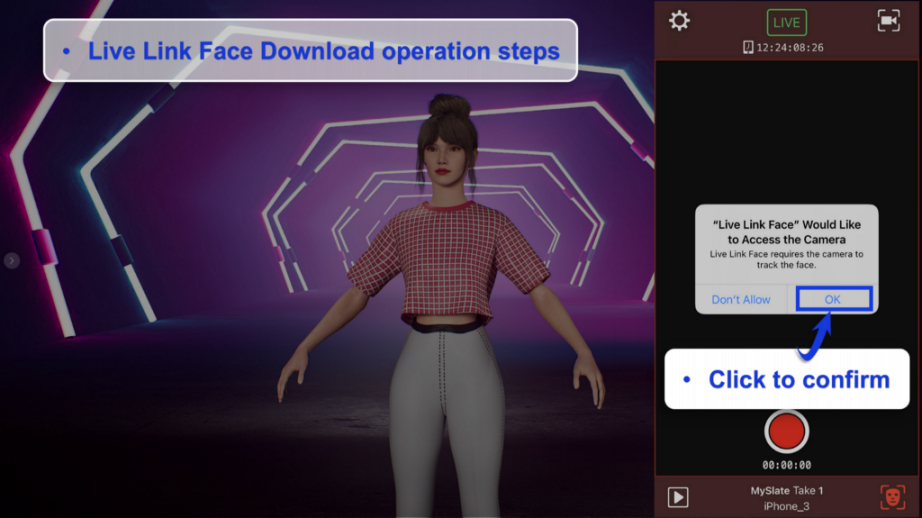
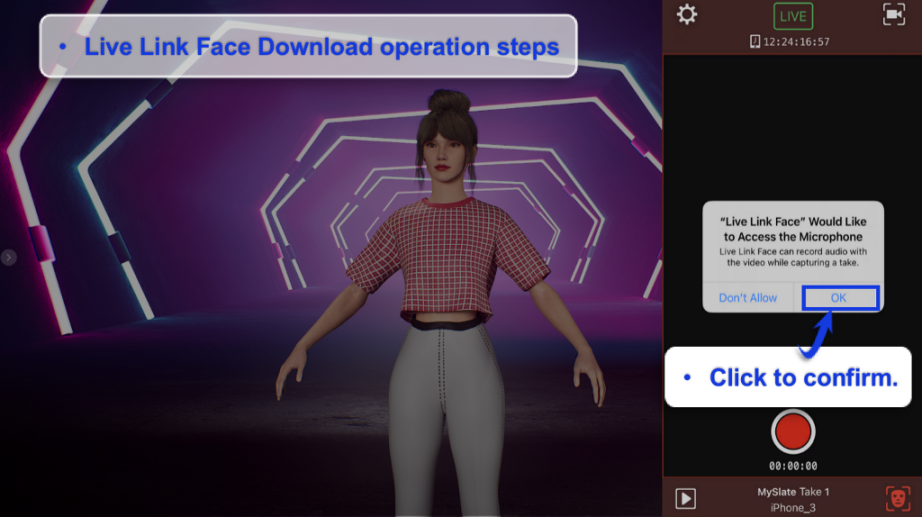
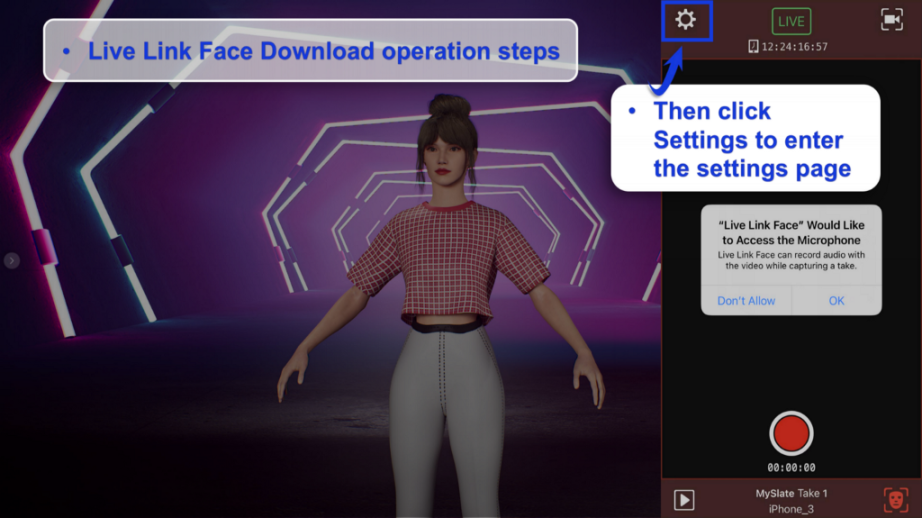
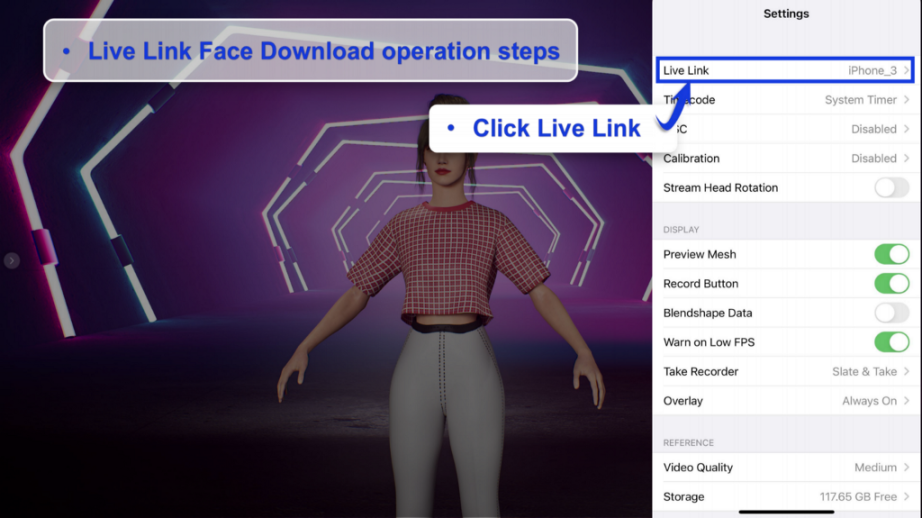
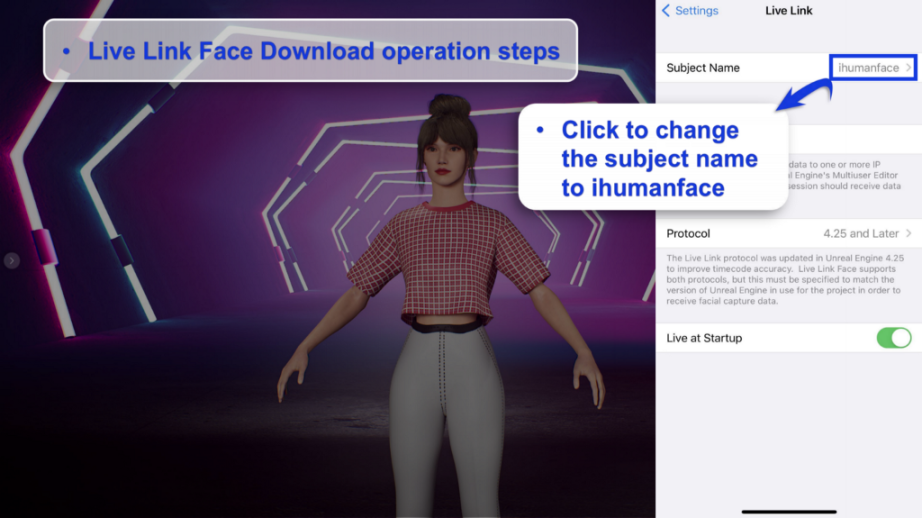
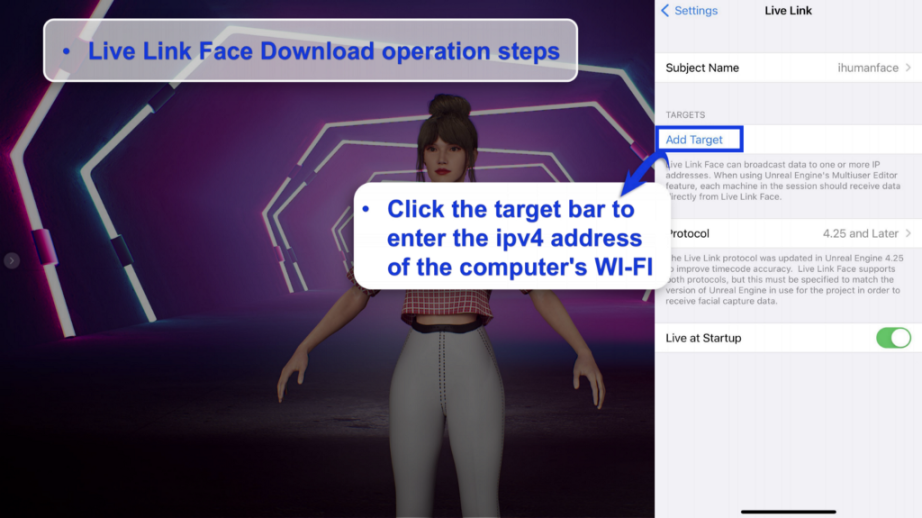
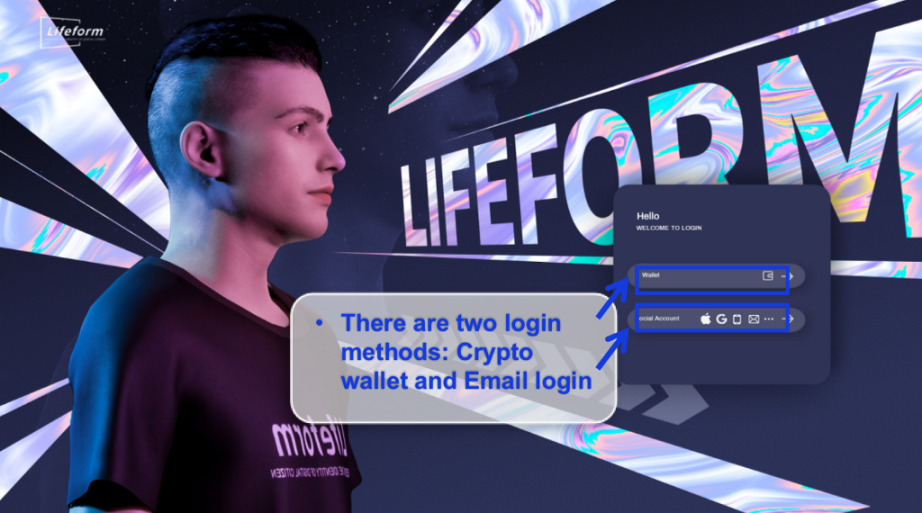
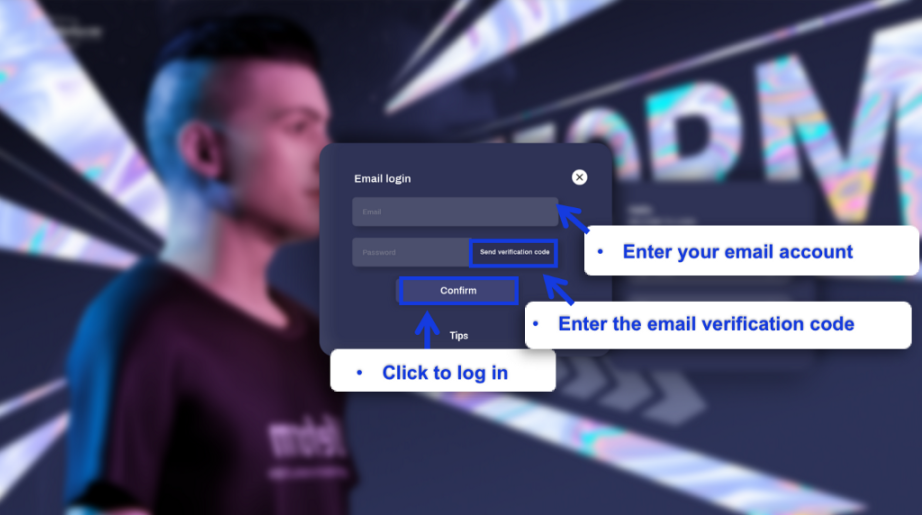
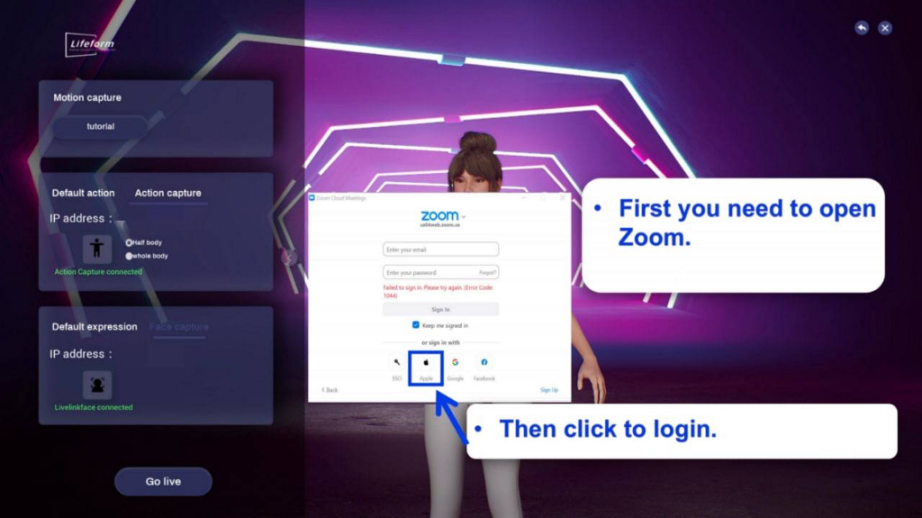
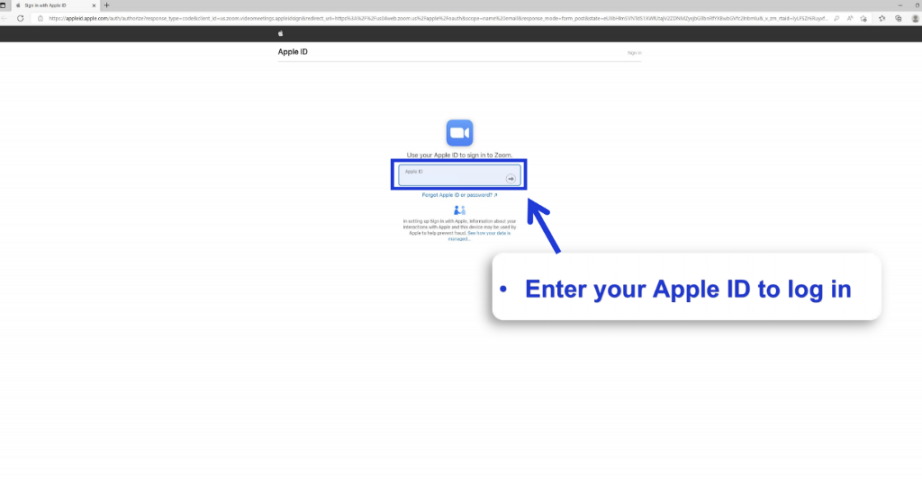
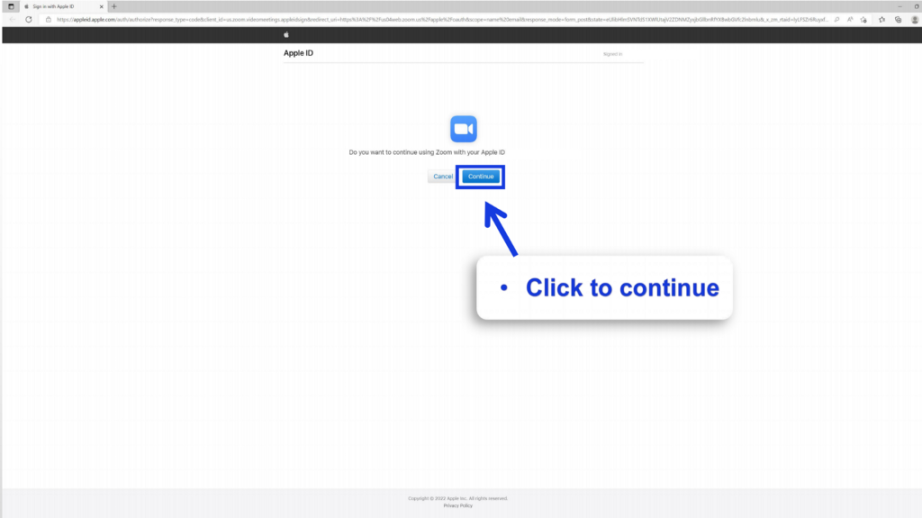
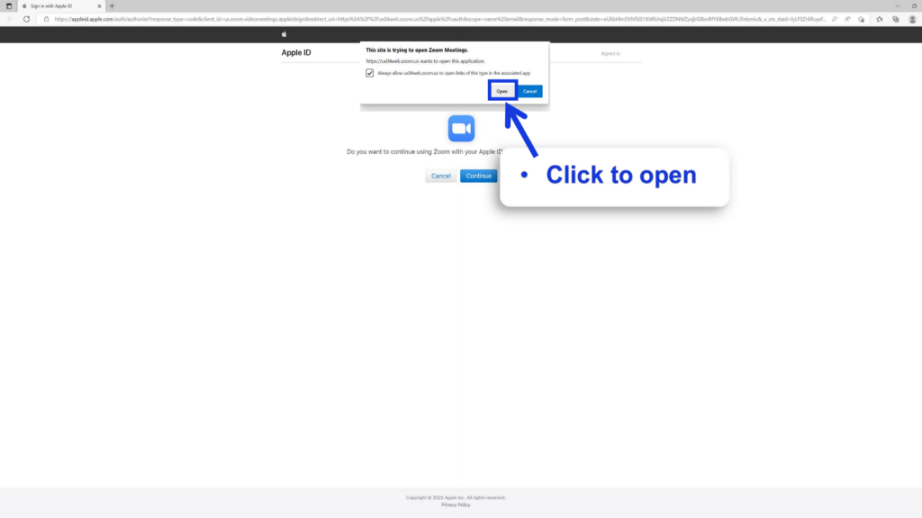
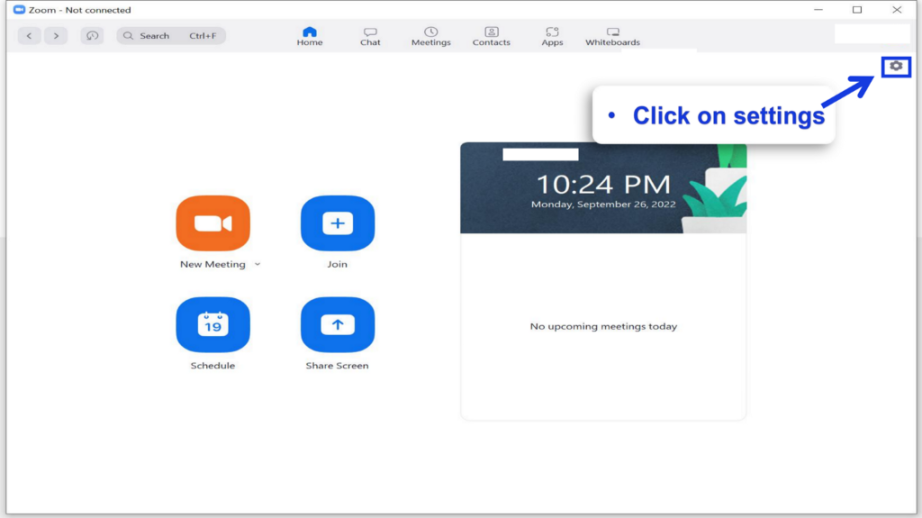
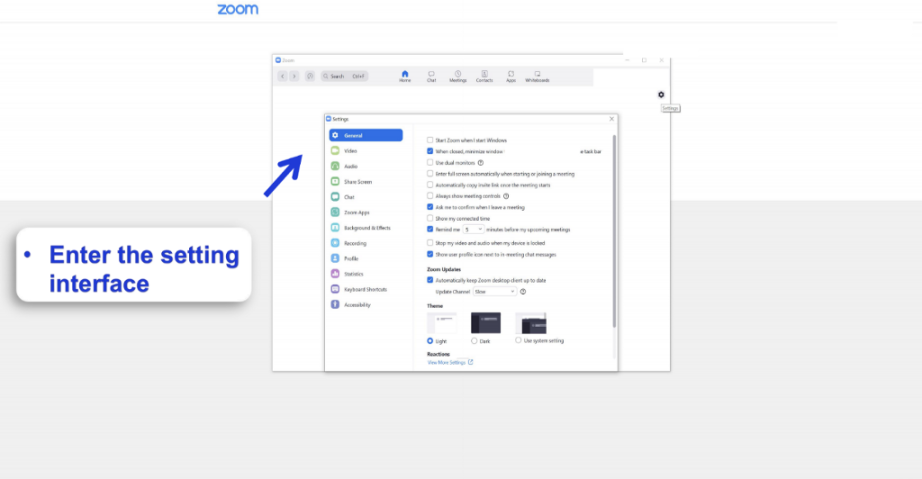
Login

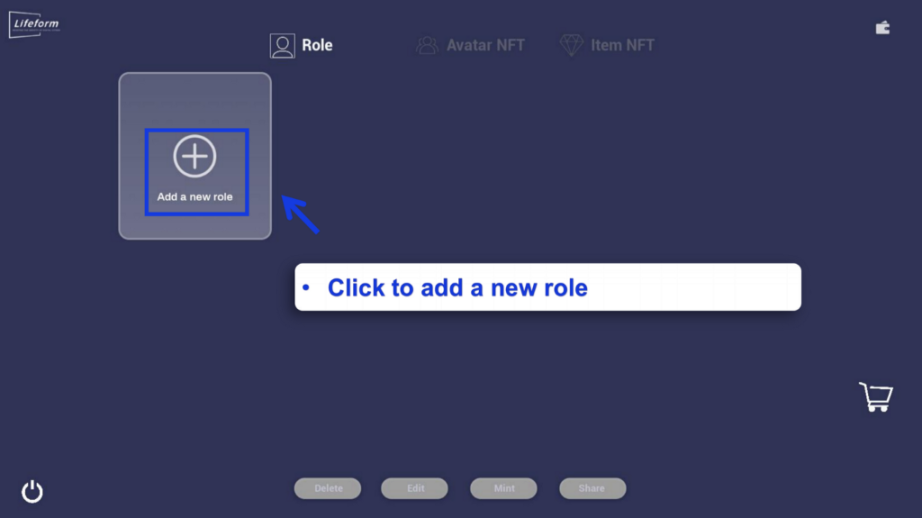
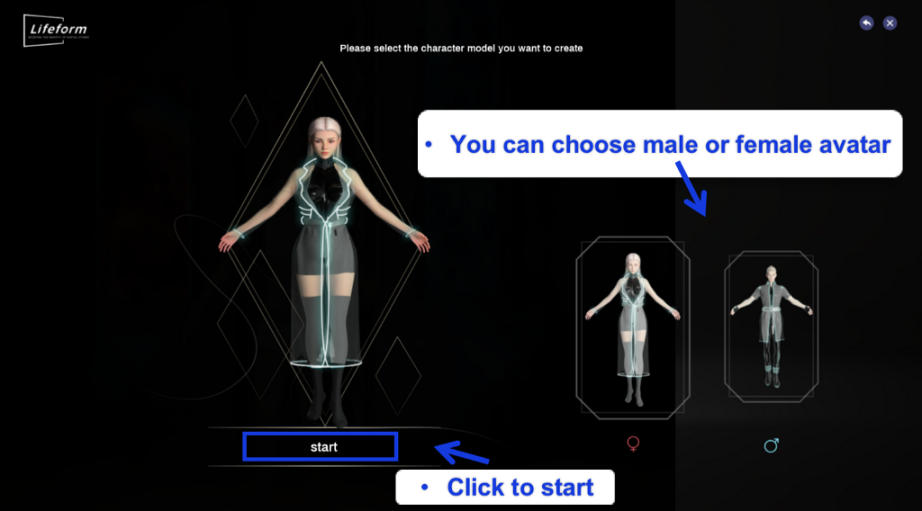
Create Avatars
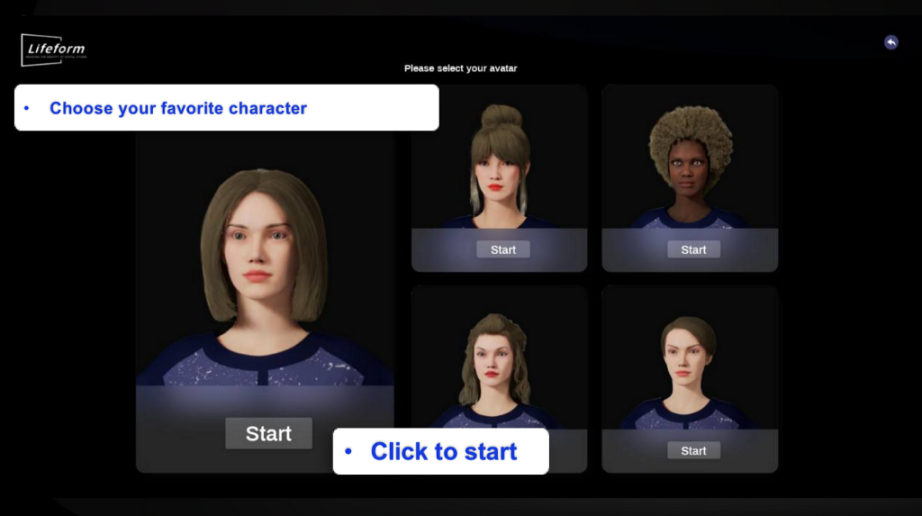
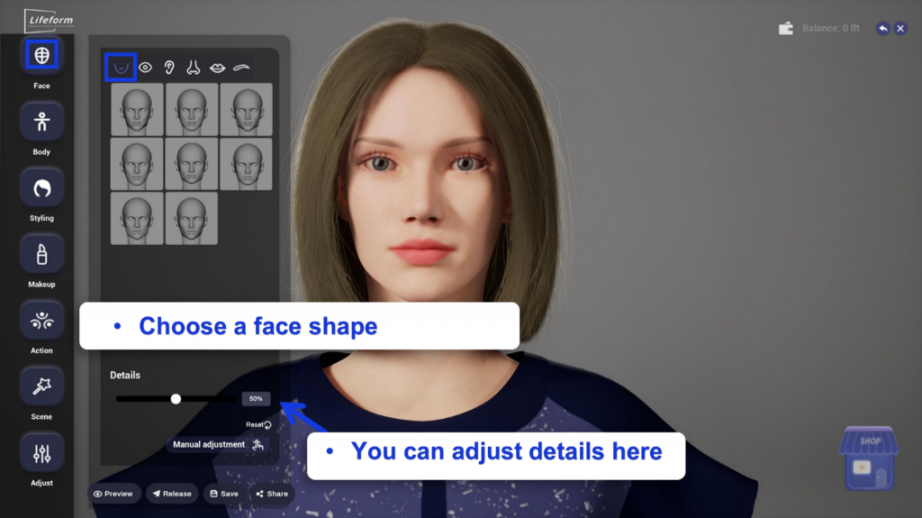
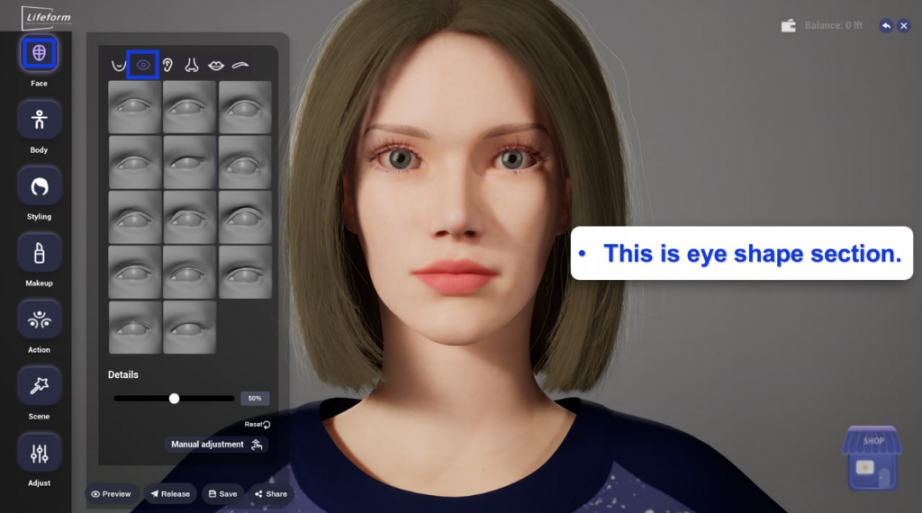
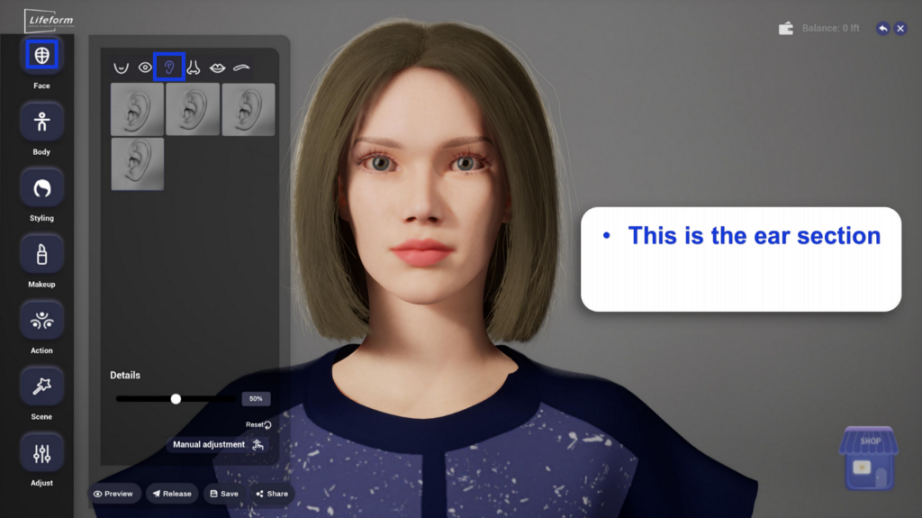
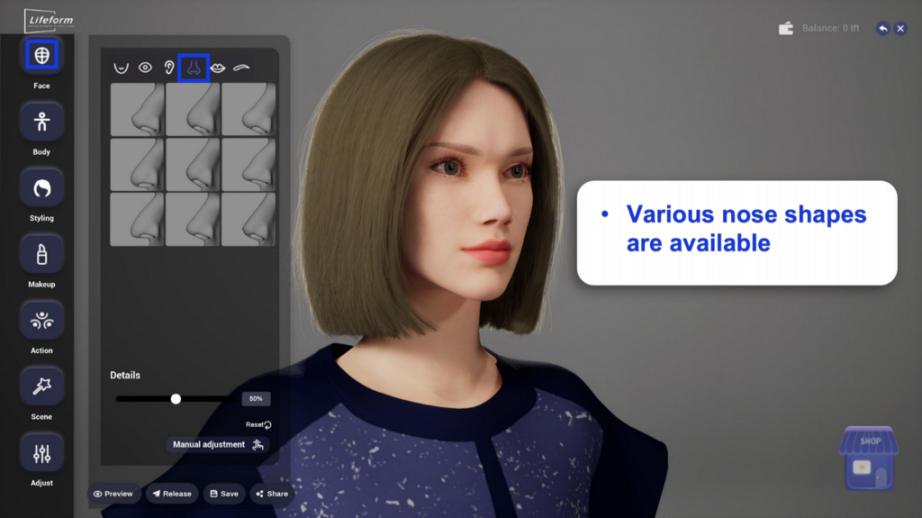
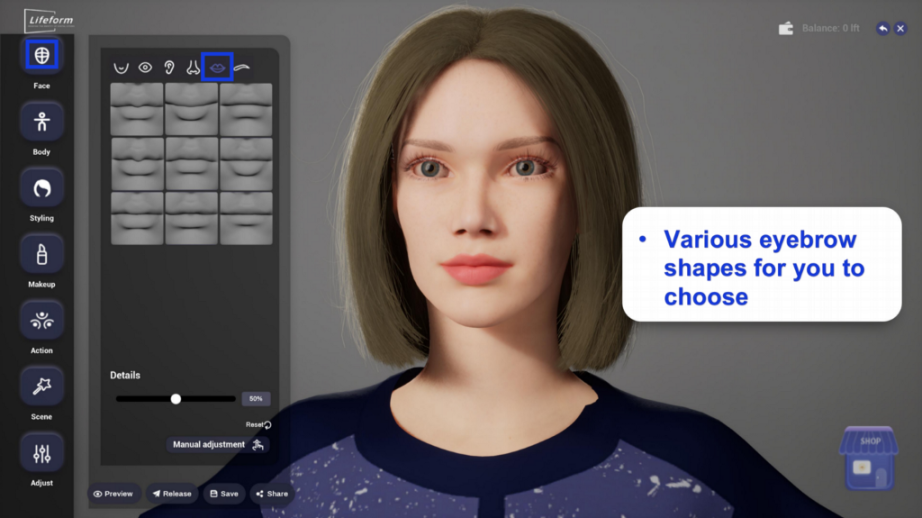
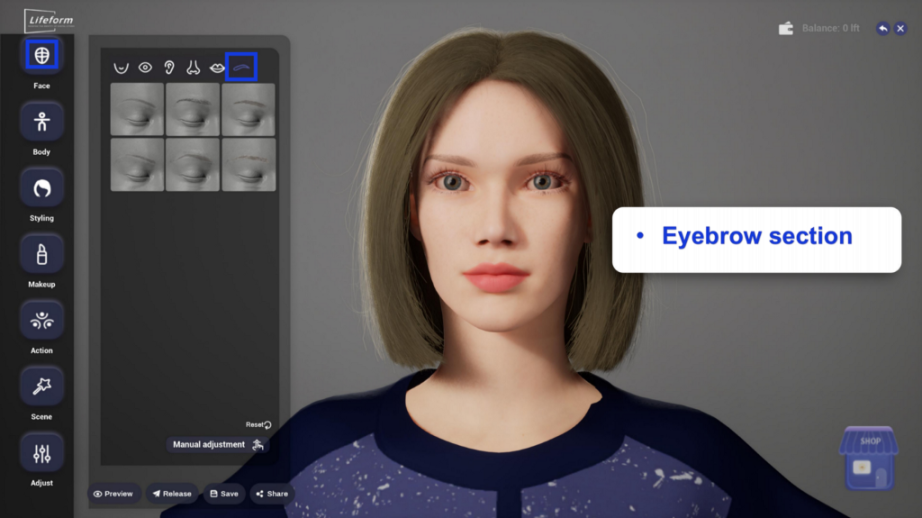
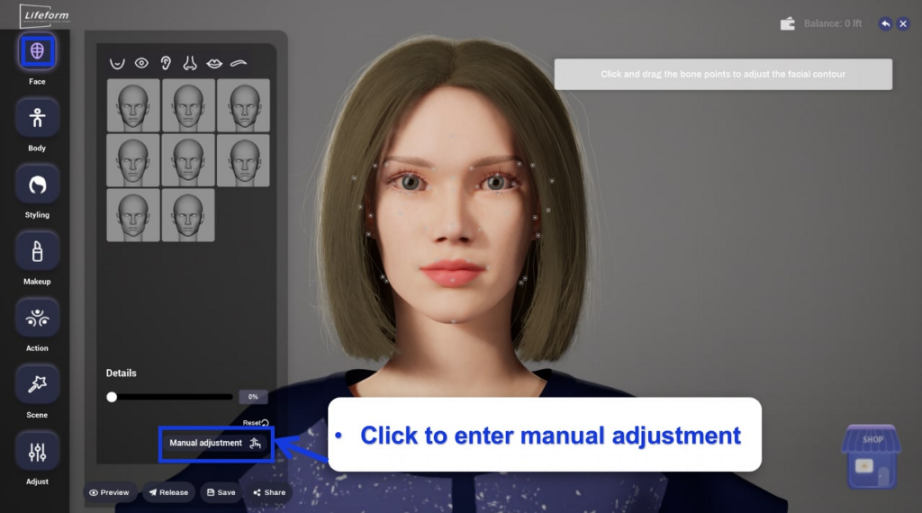
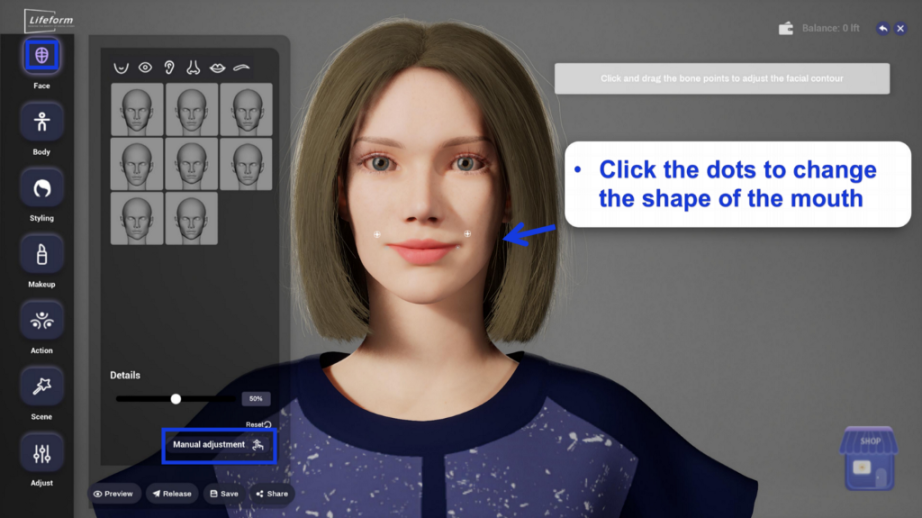
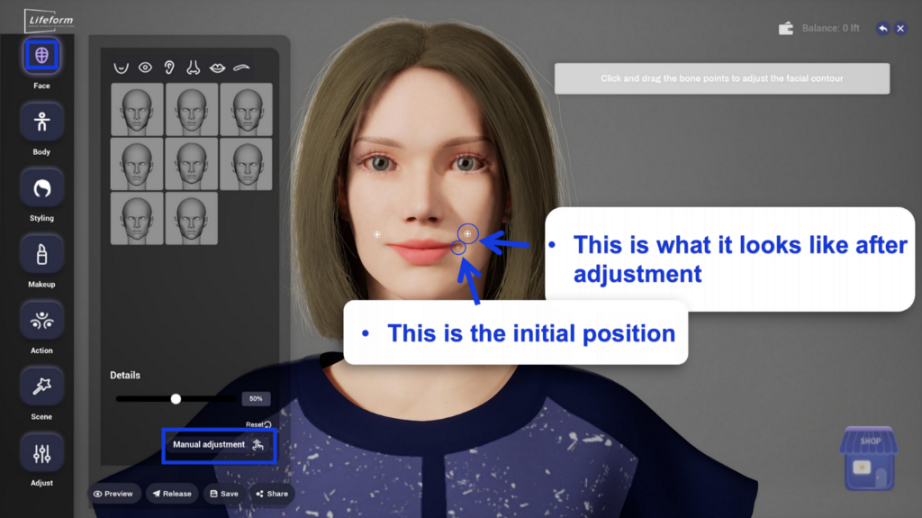
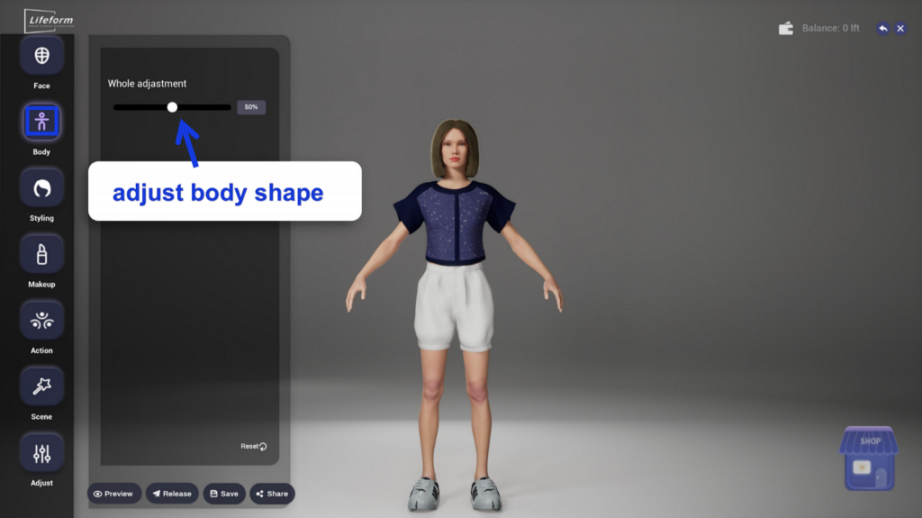
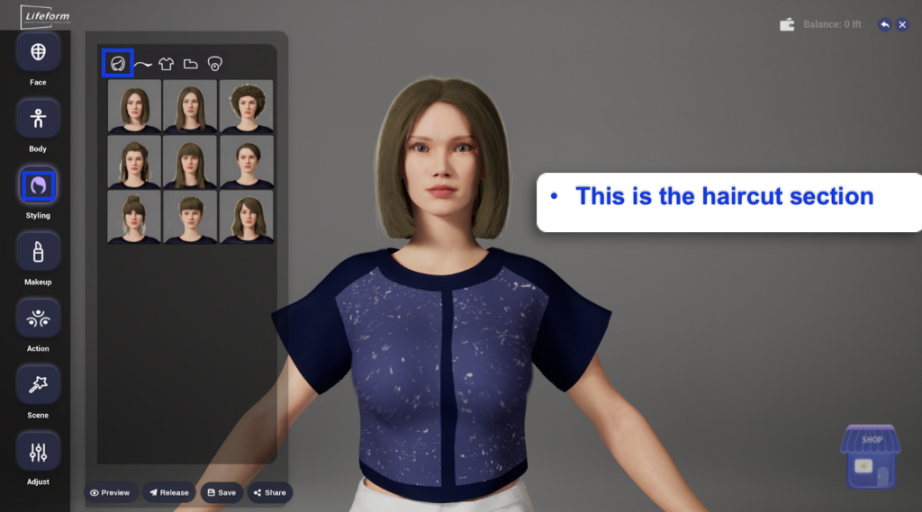
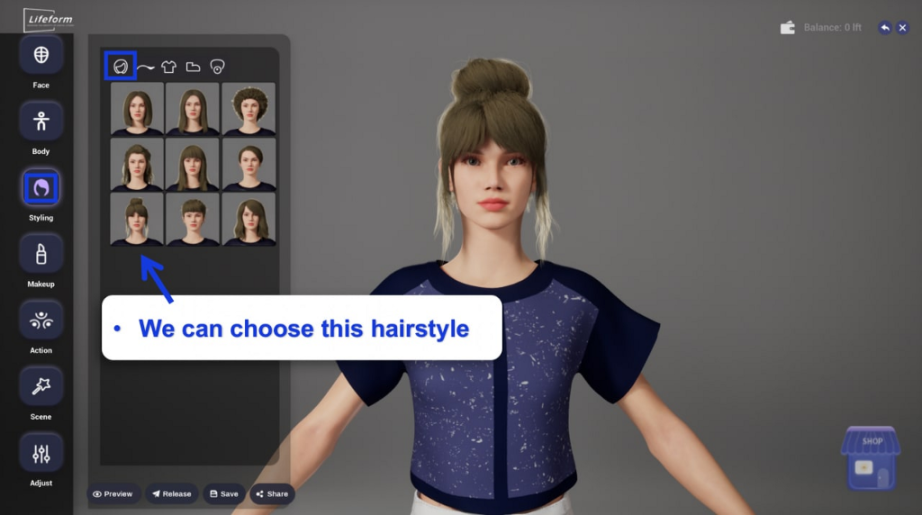
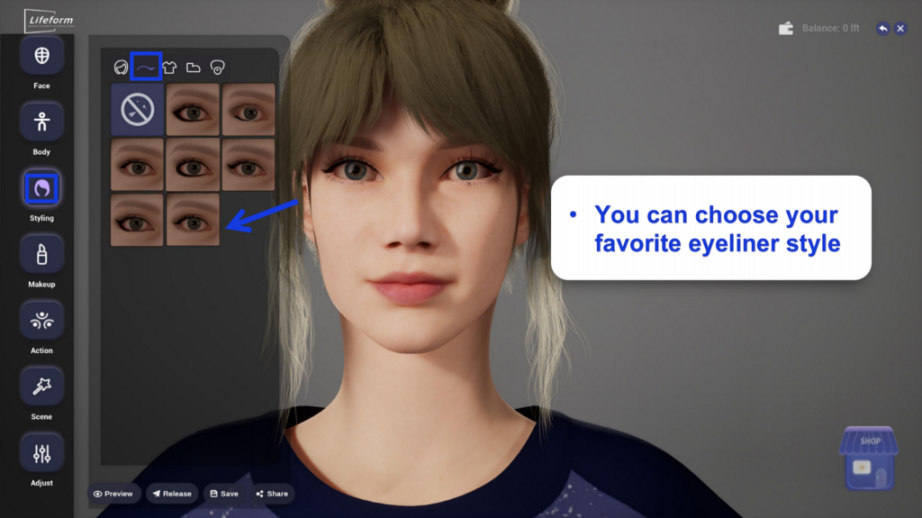
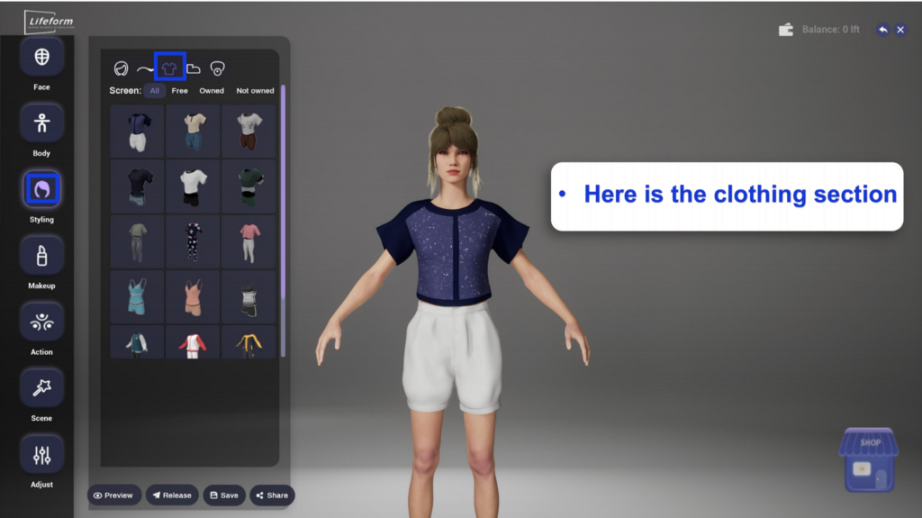
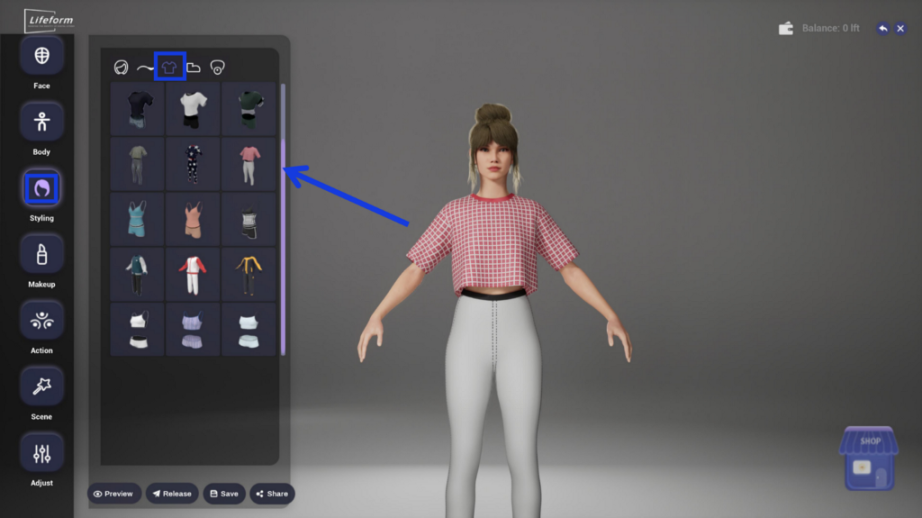
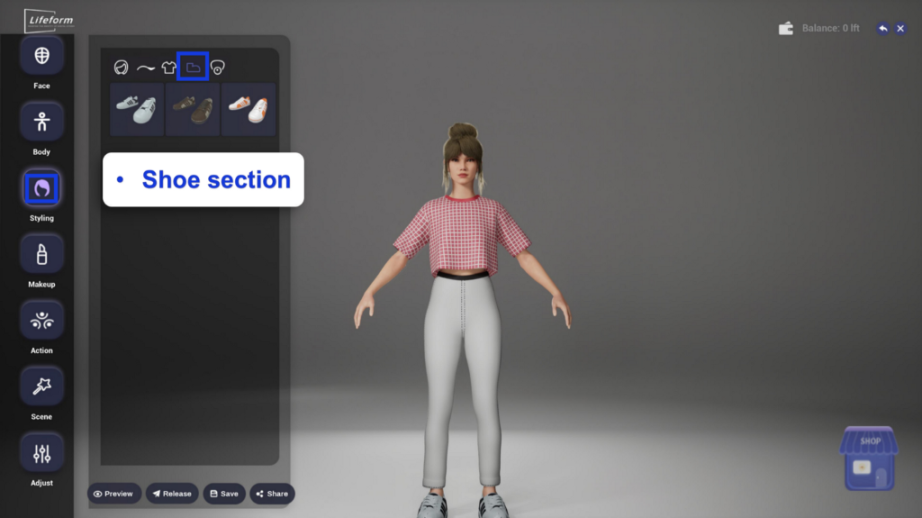
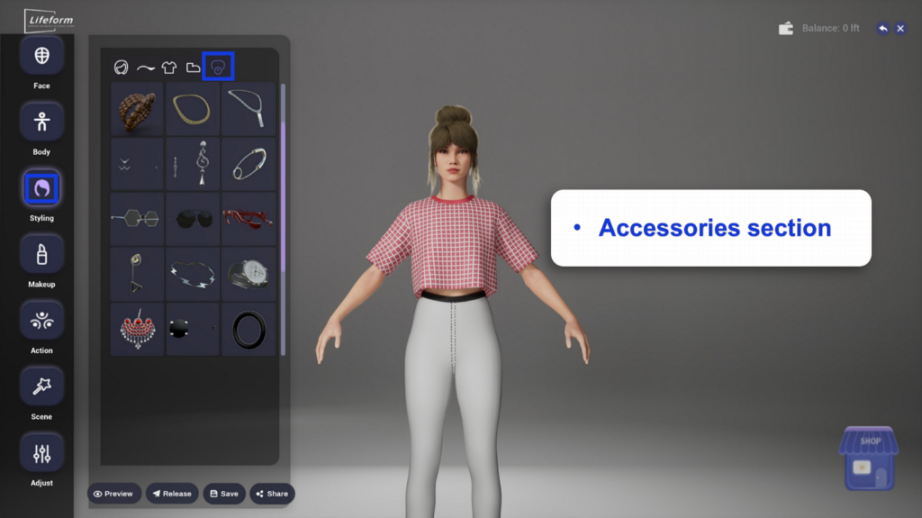
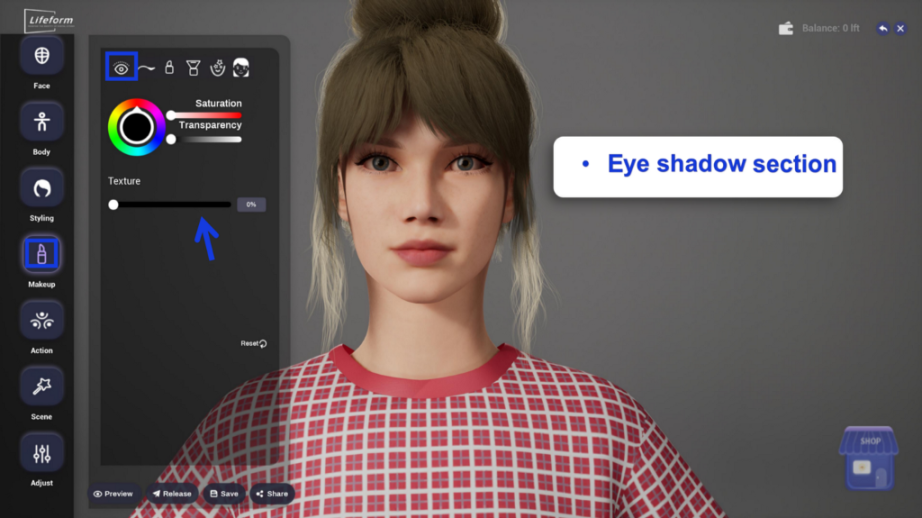
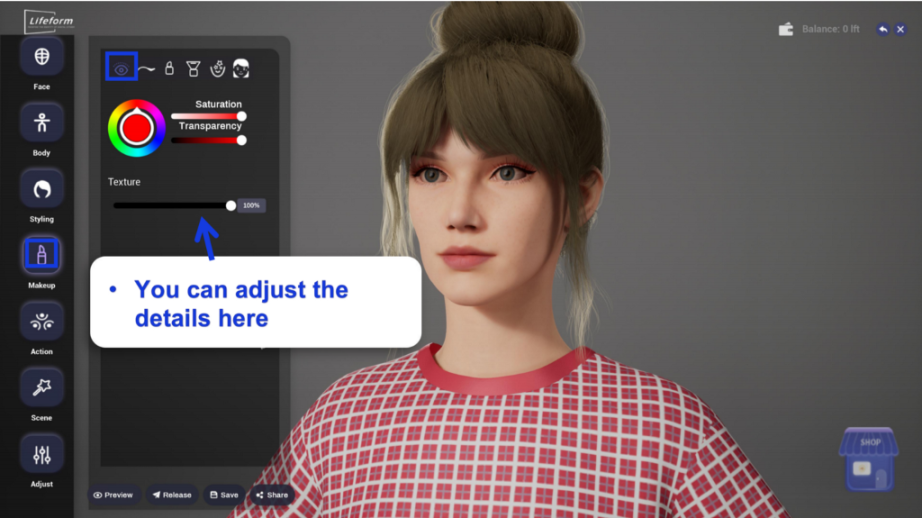
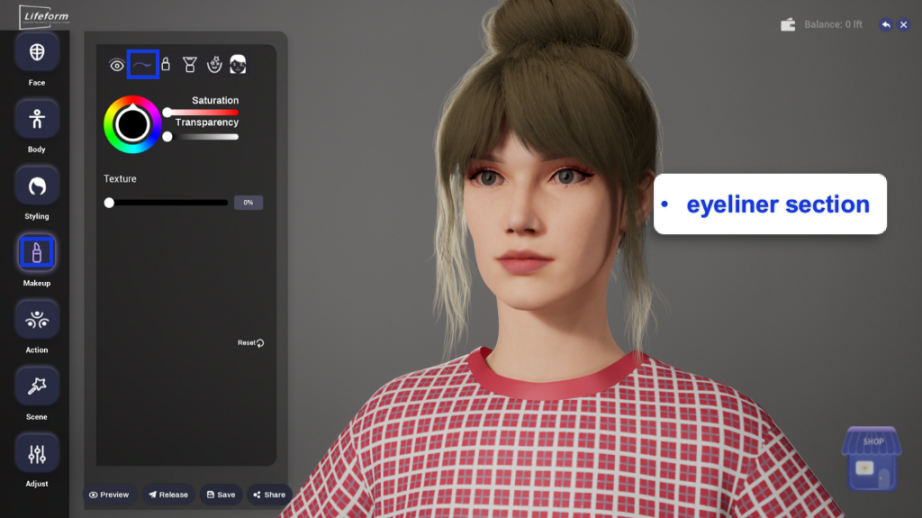
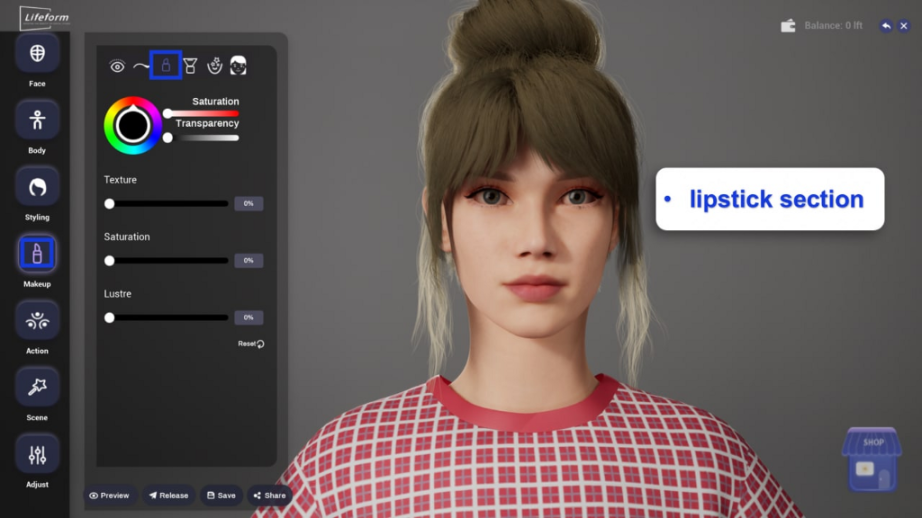
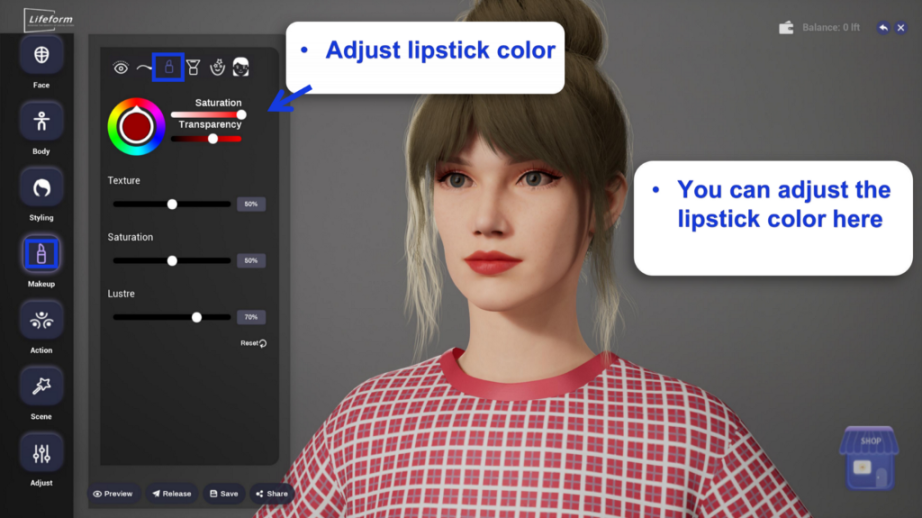
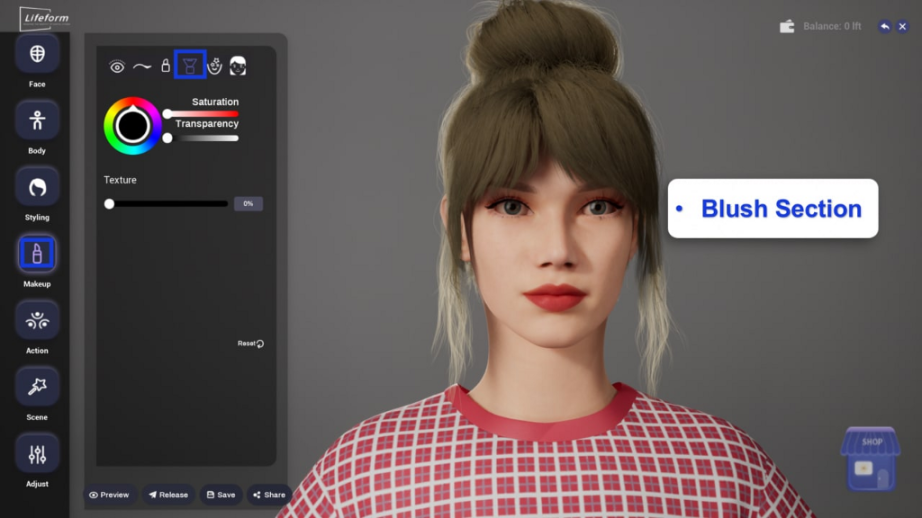
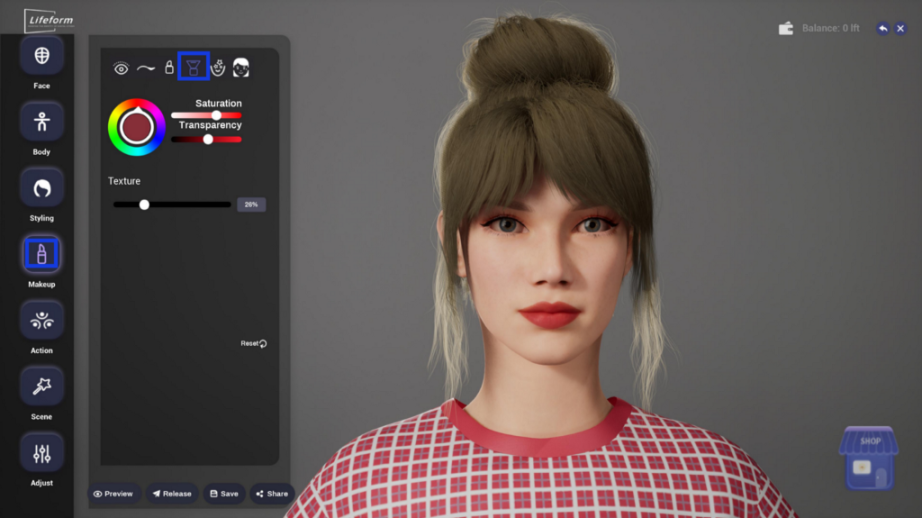
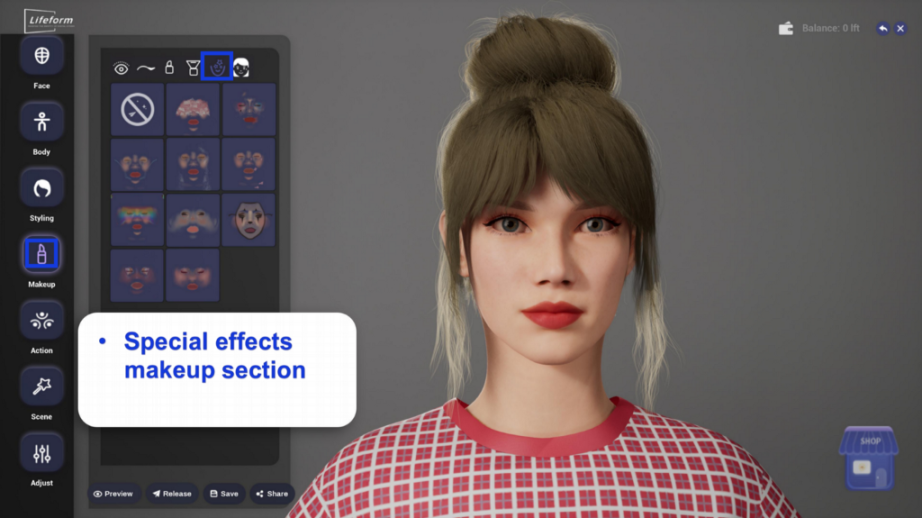
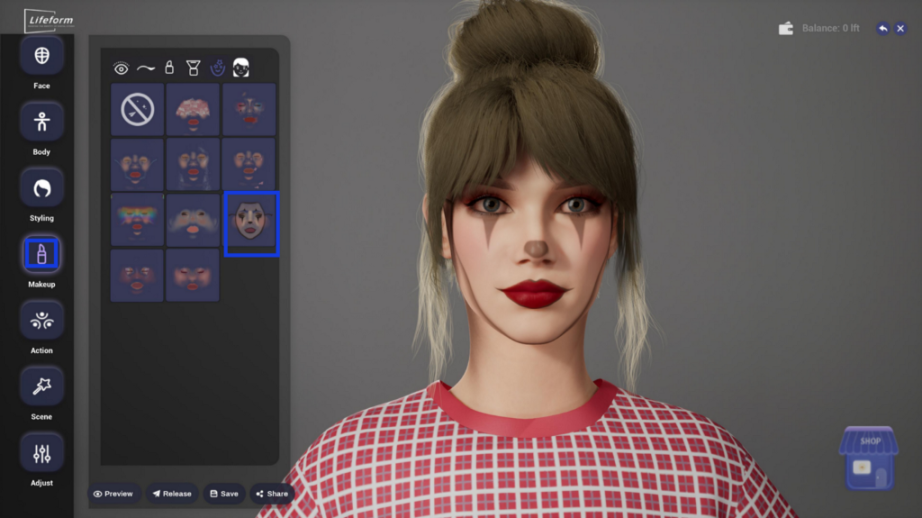
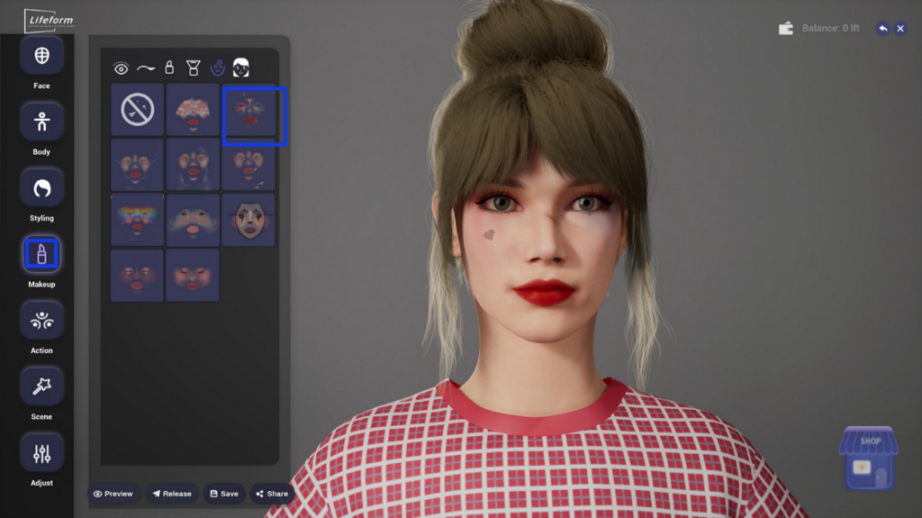
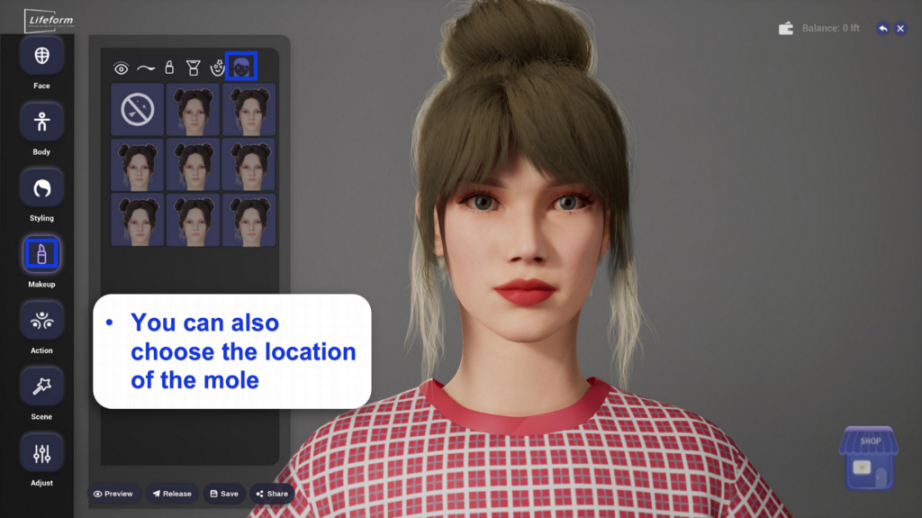
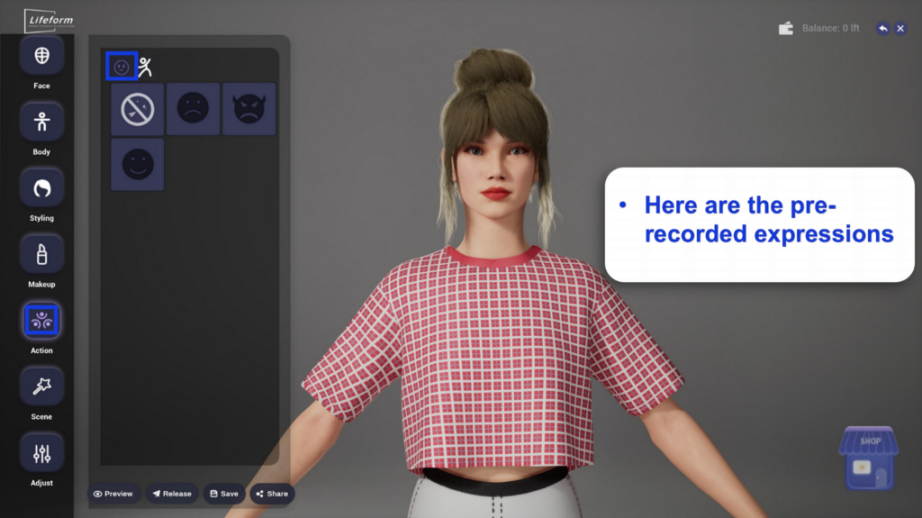
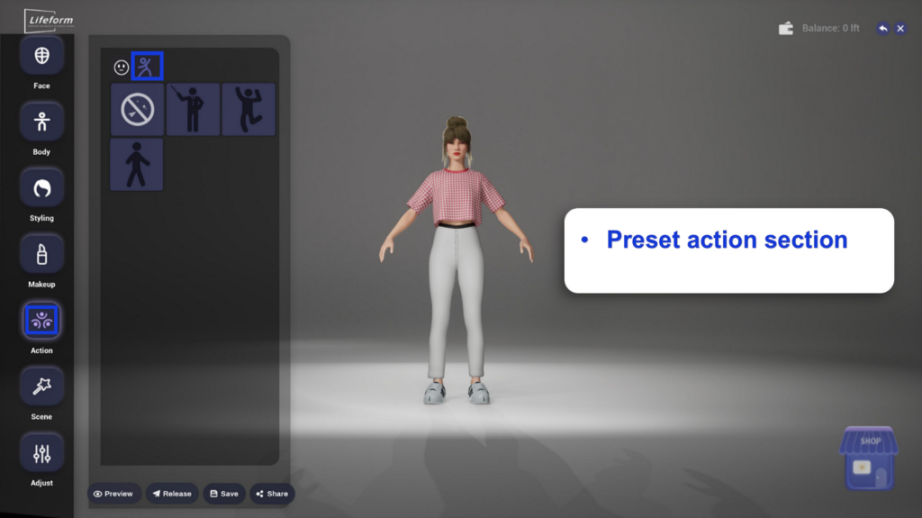
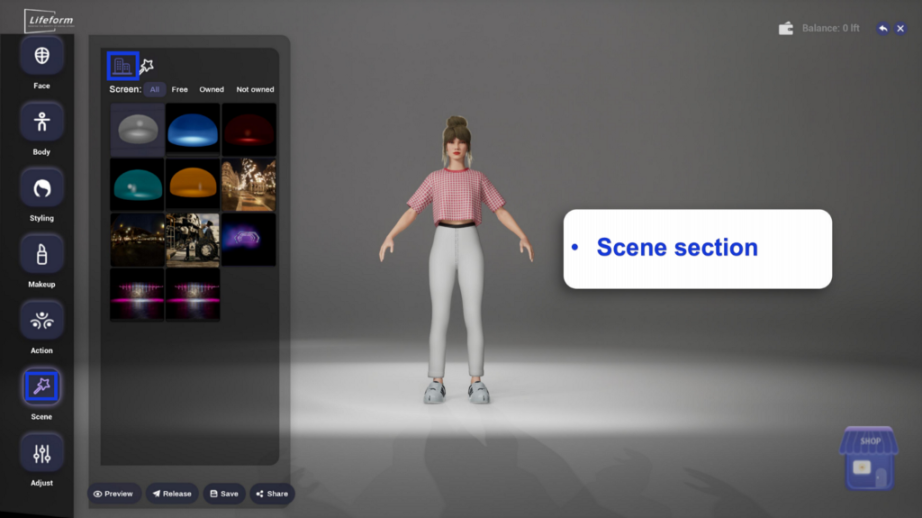
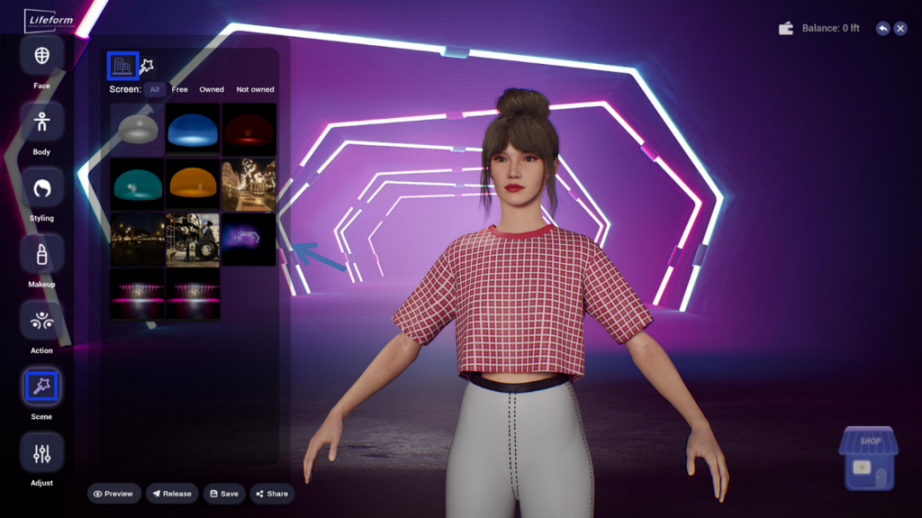
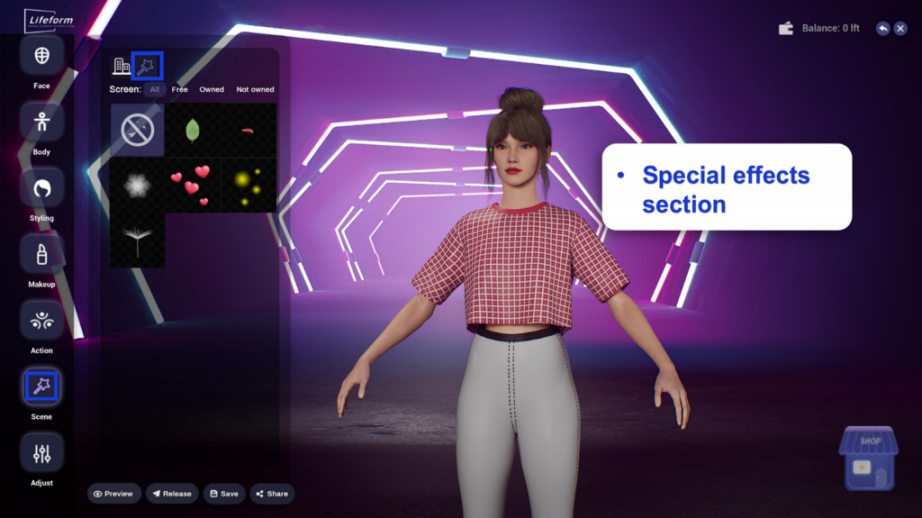
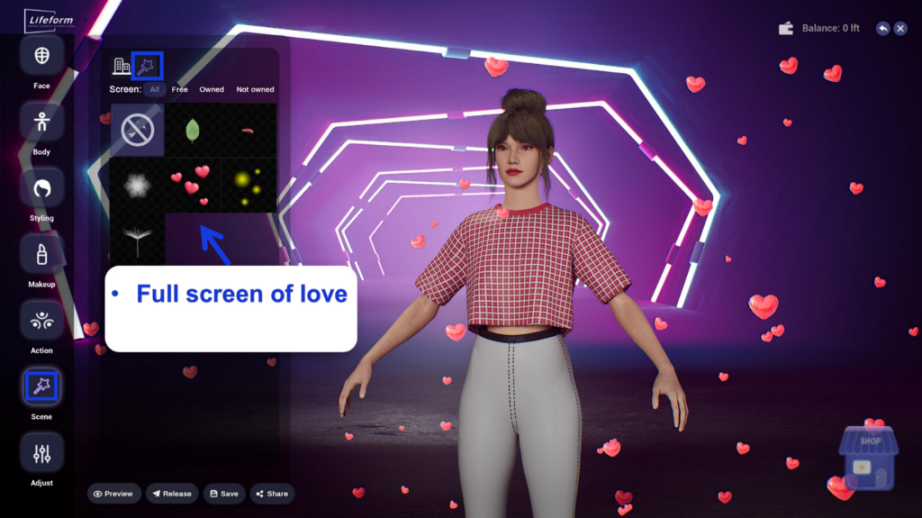
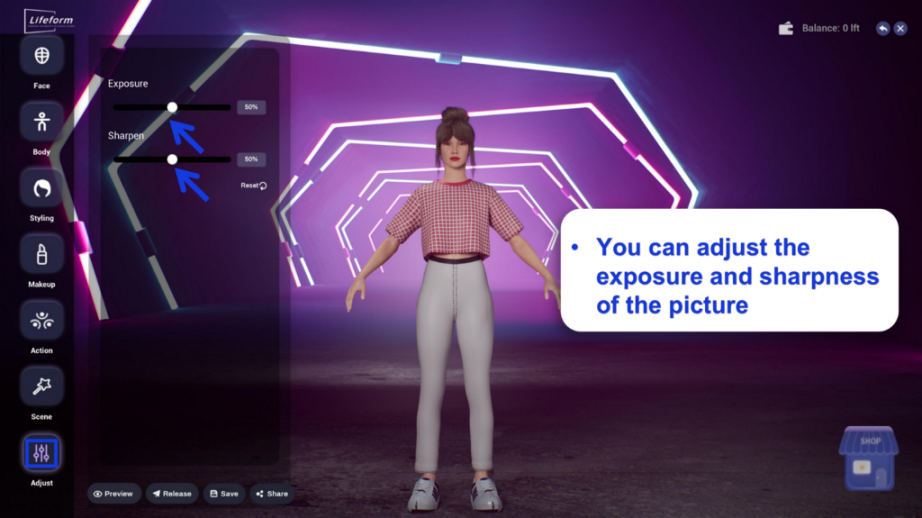
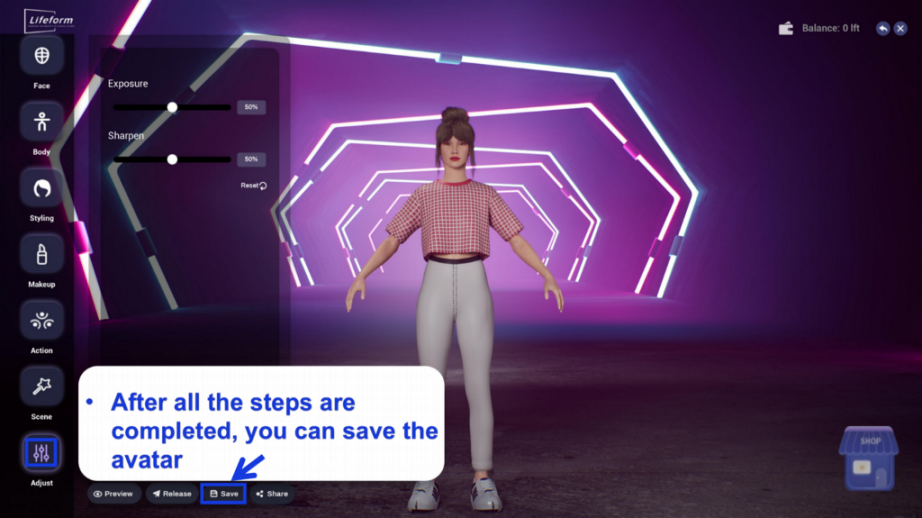
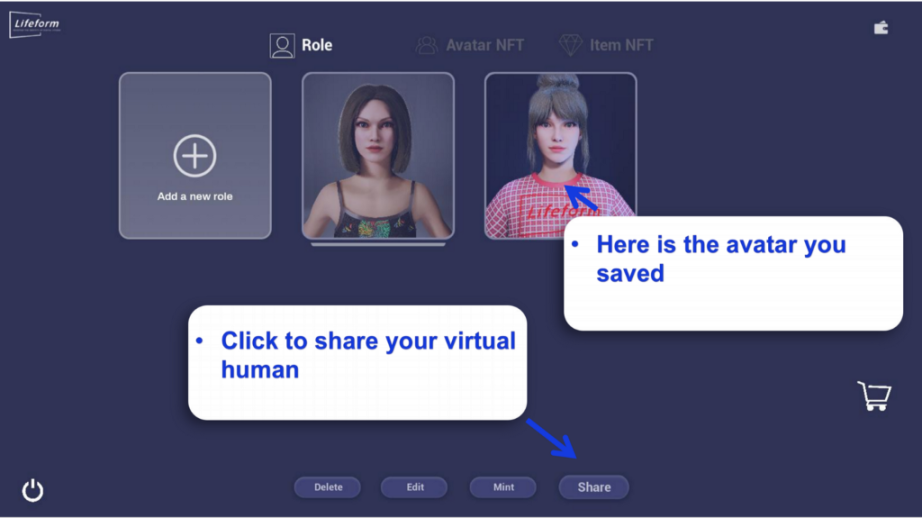
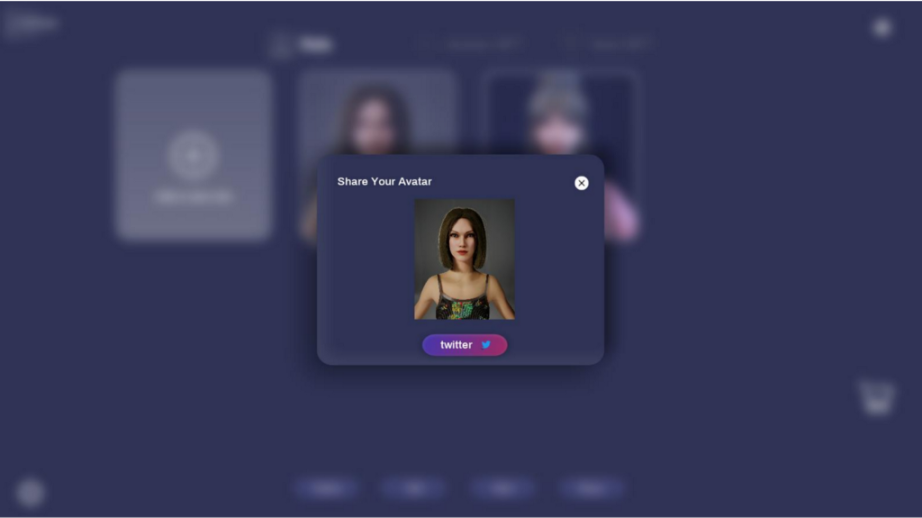
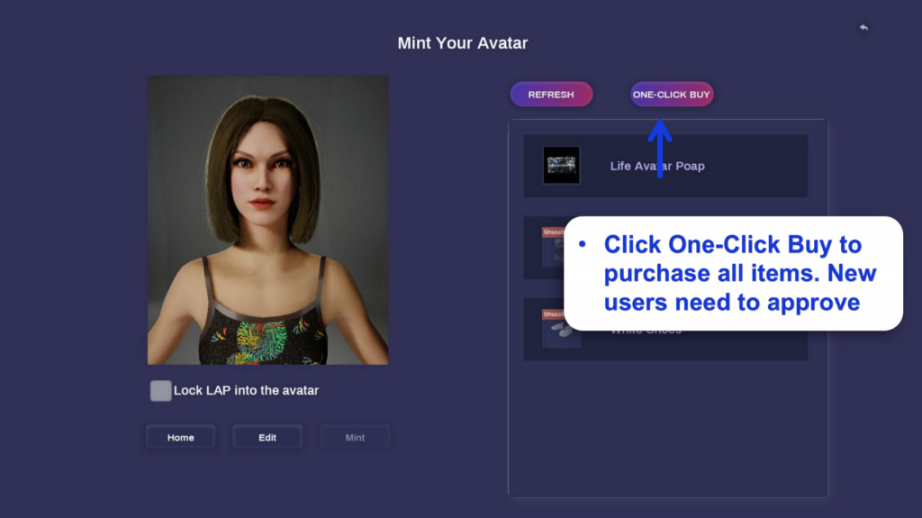
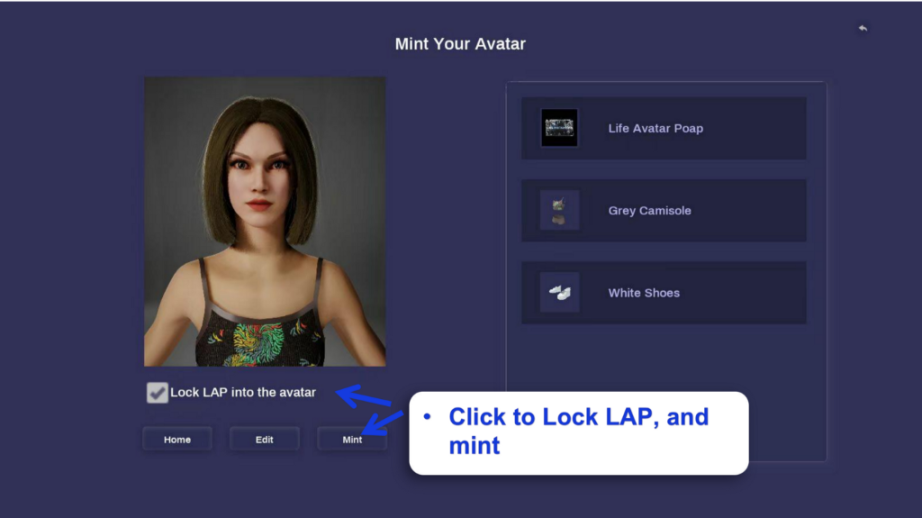
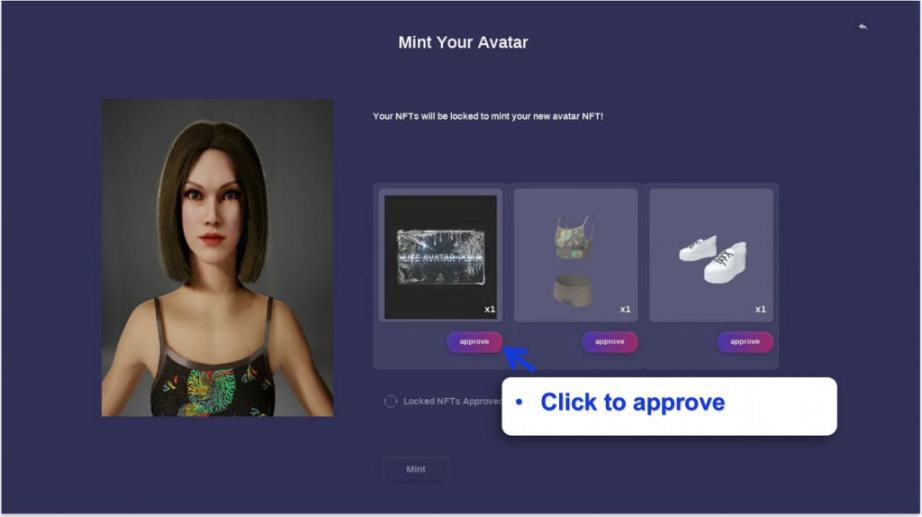
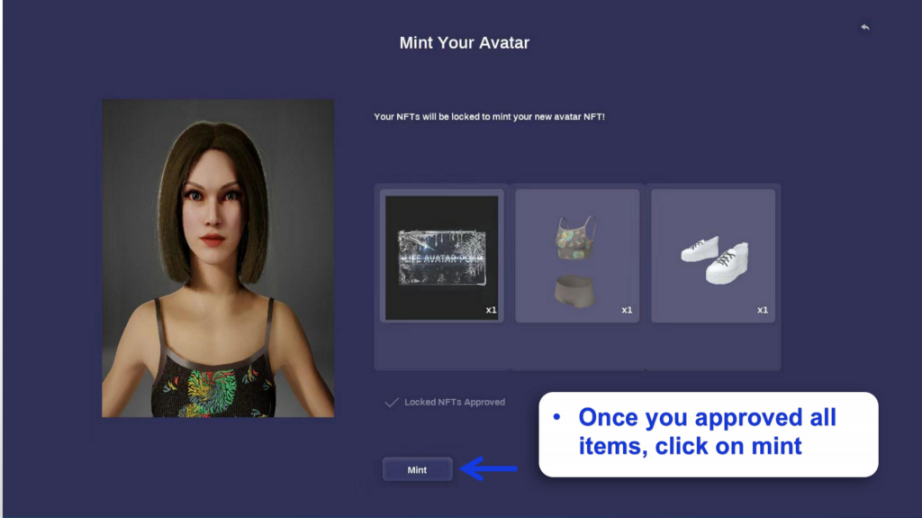
Mint Avatars
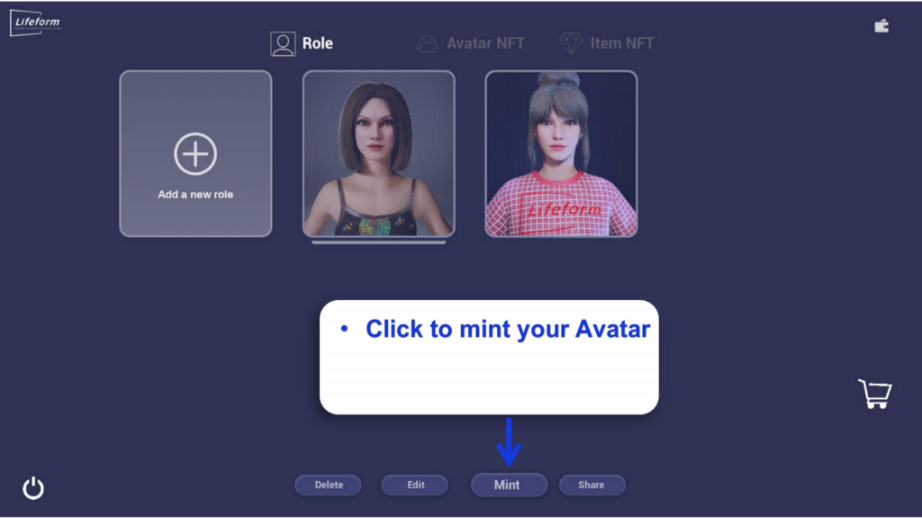
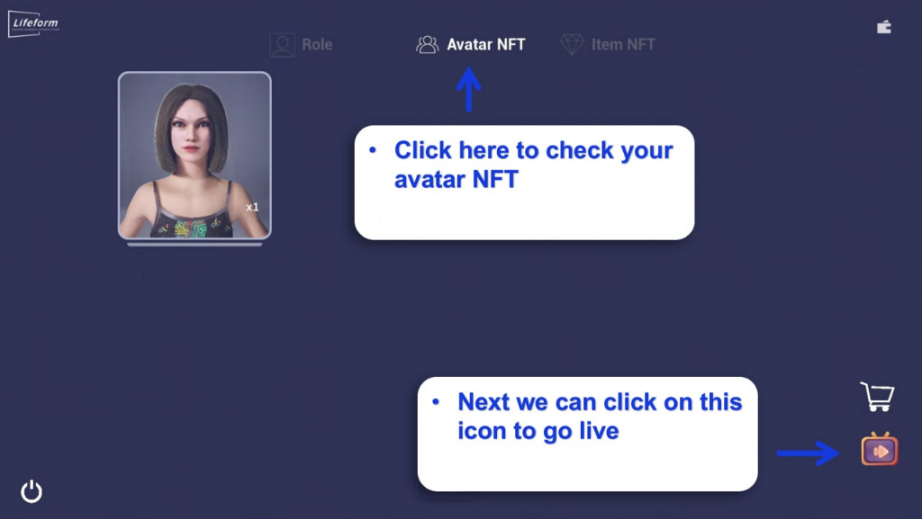
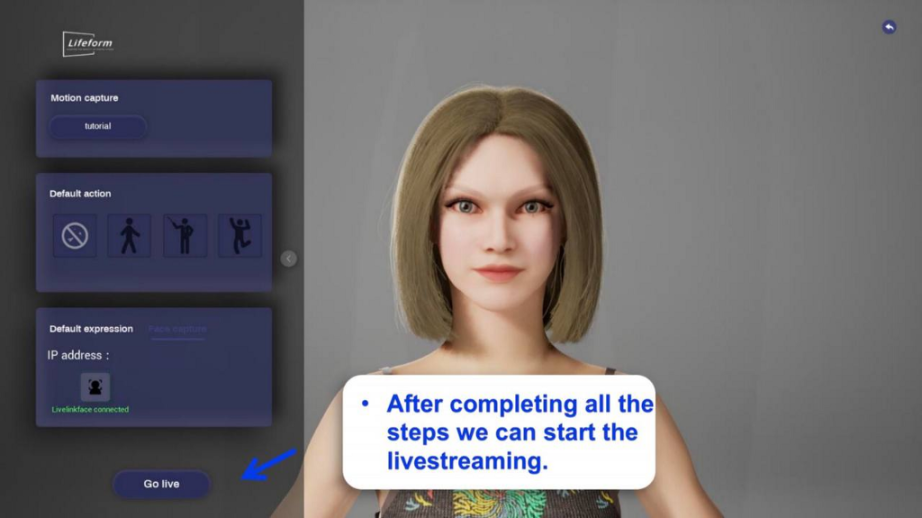
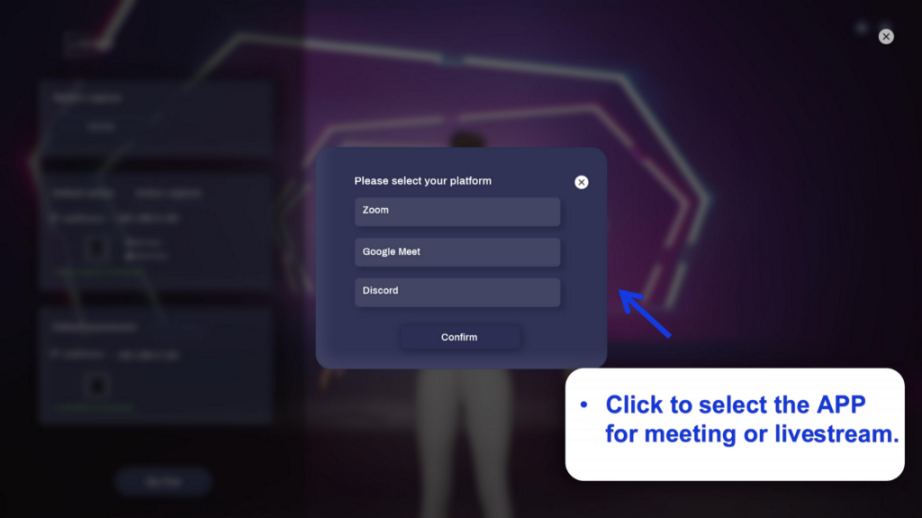
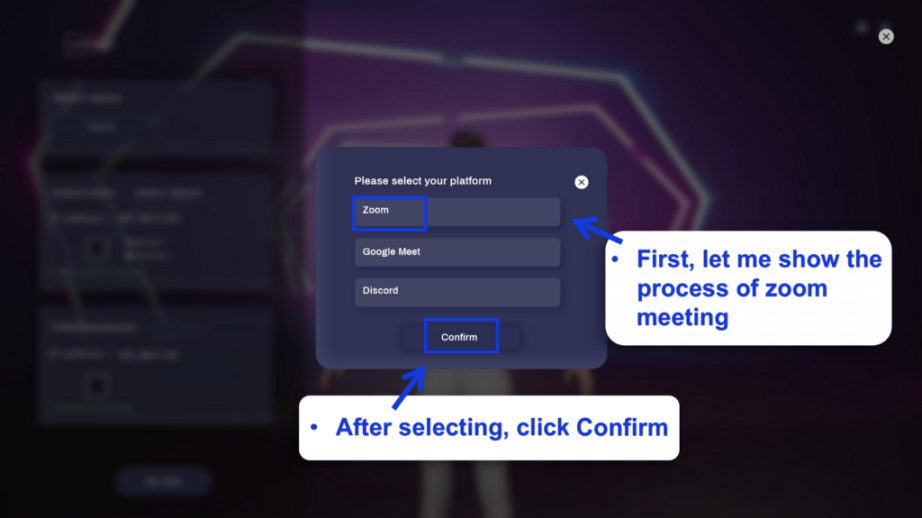
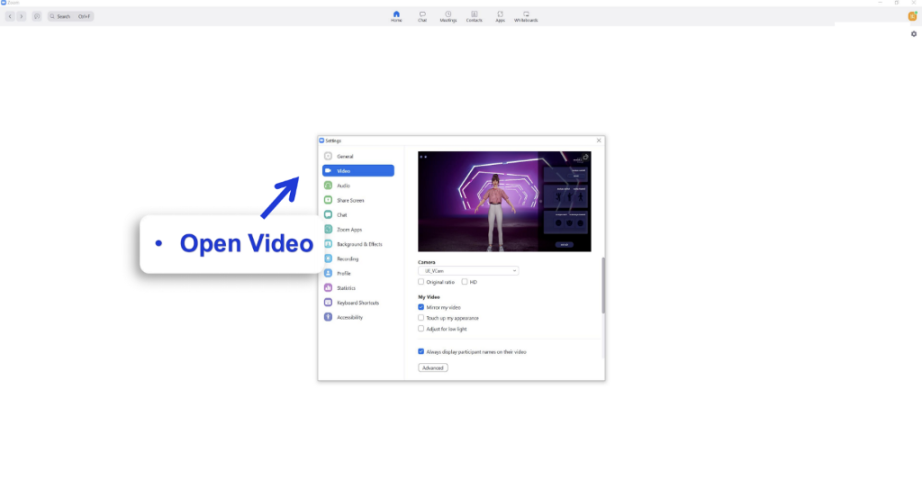
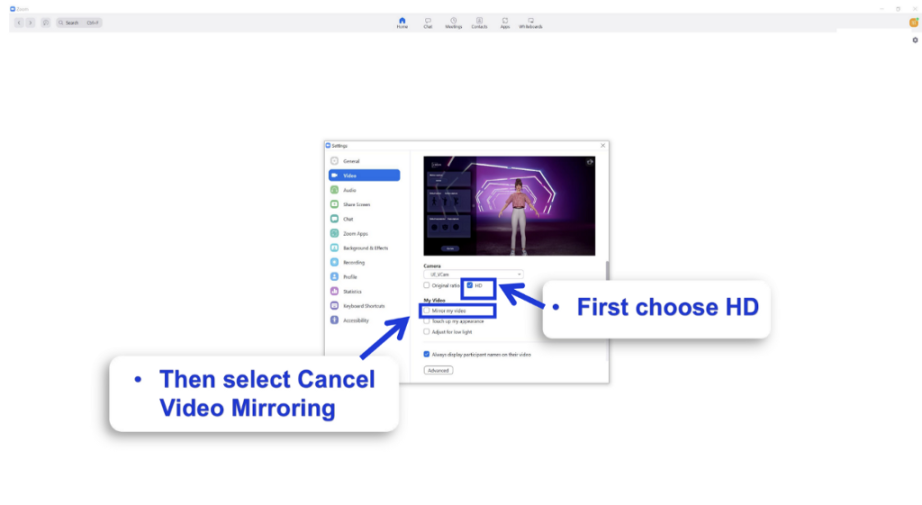
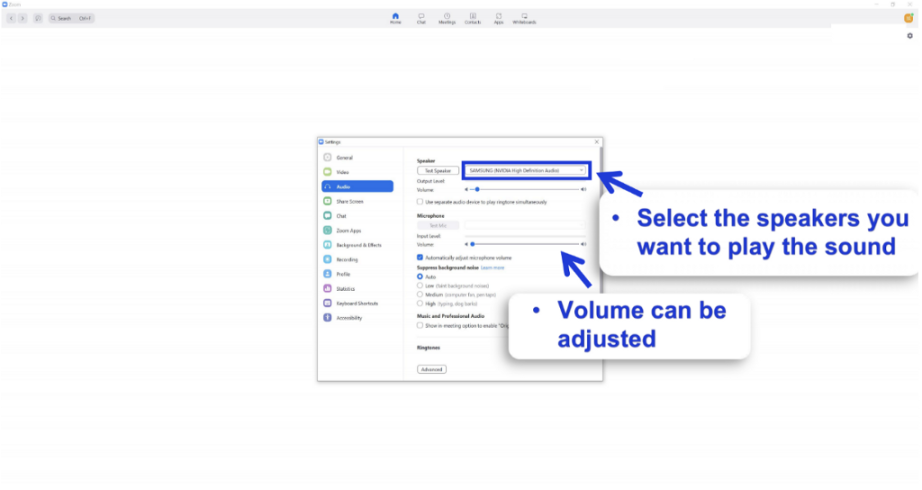
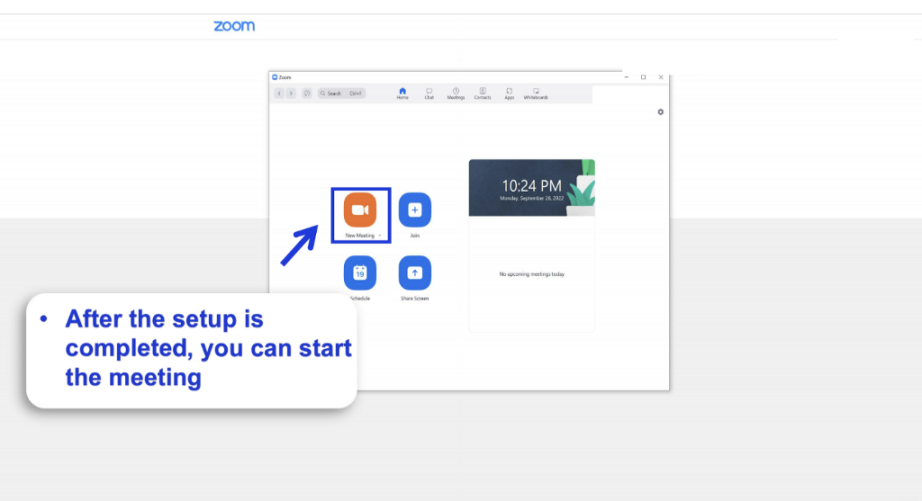
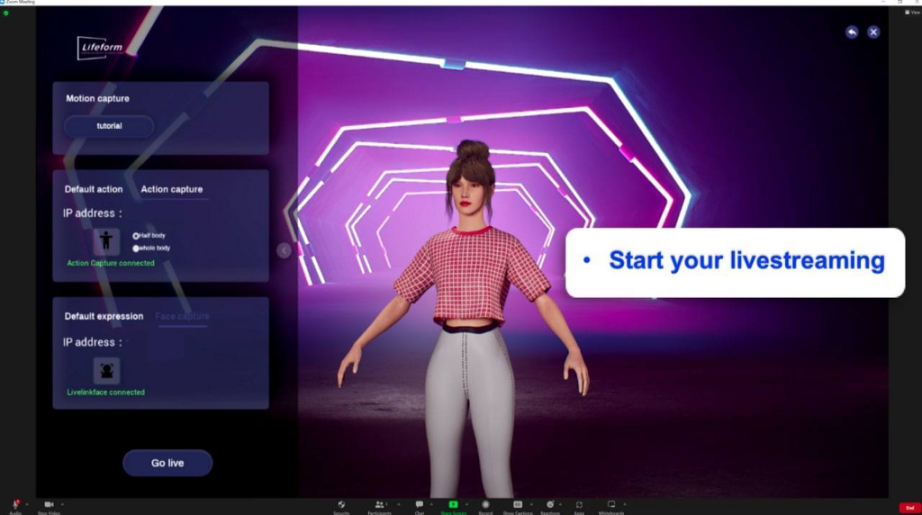
Go Live





【免责声明】市场有风险,投资需谨慎。本文不构成投资建议,用户应考虑本文中的任何意见、观点或结论是否符合其特定状况。据此投资,责任自负。