

DarenDapp-Store opening tutorial
2022-12-29 22:16

1.Enter dapp : https://app.daren.market/
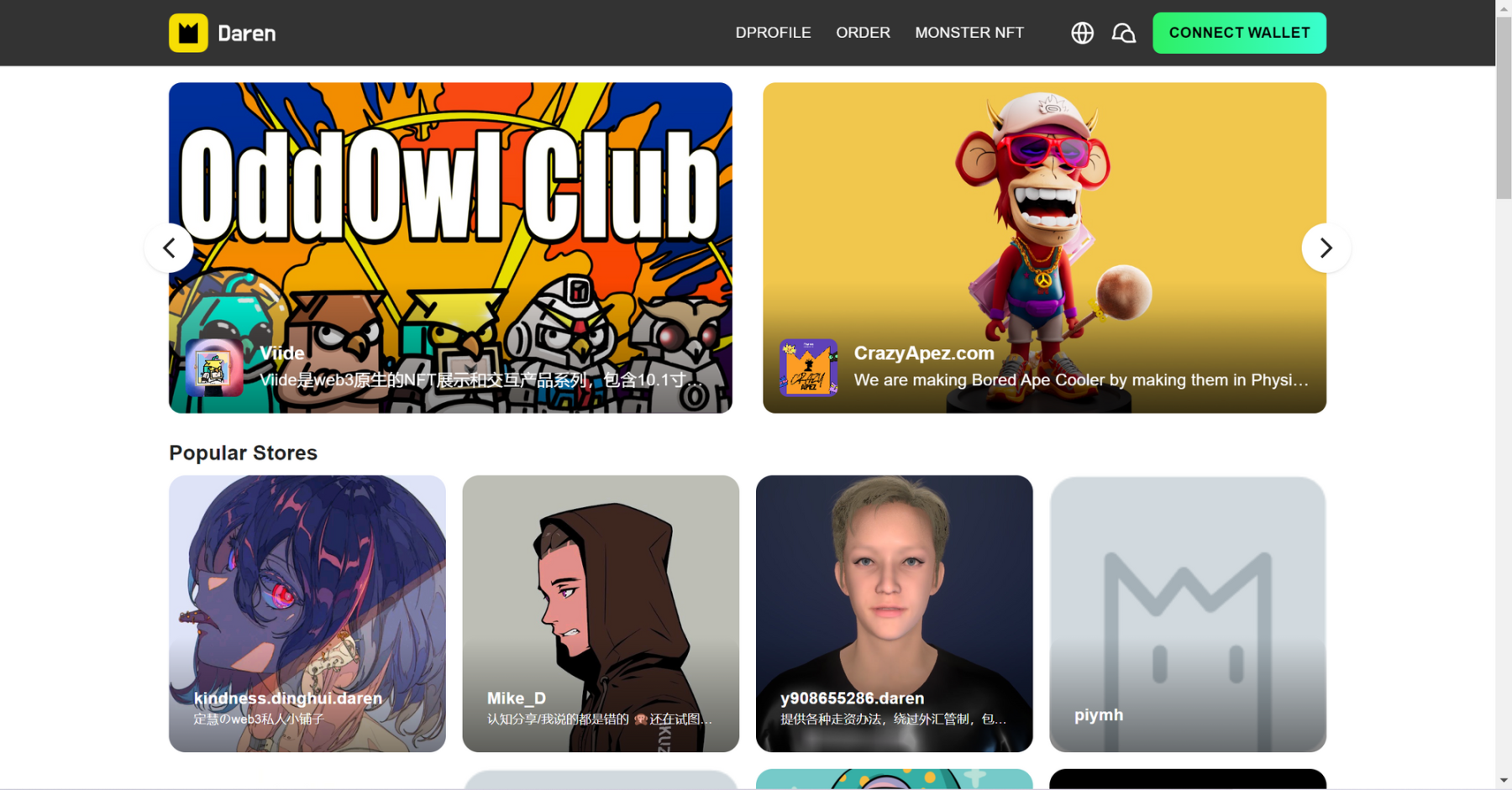
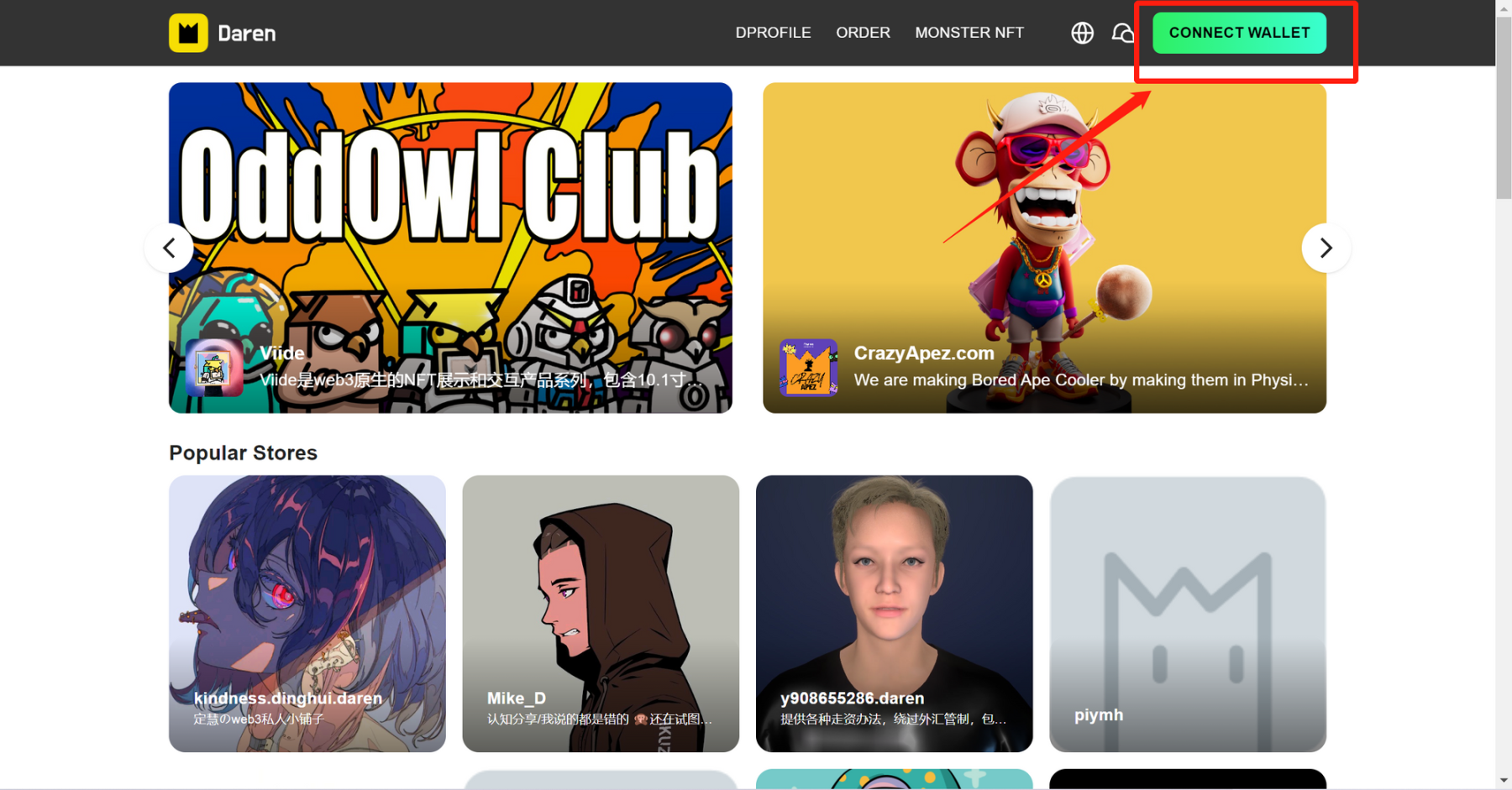
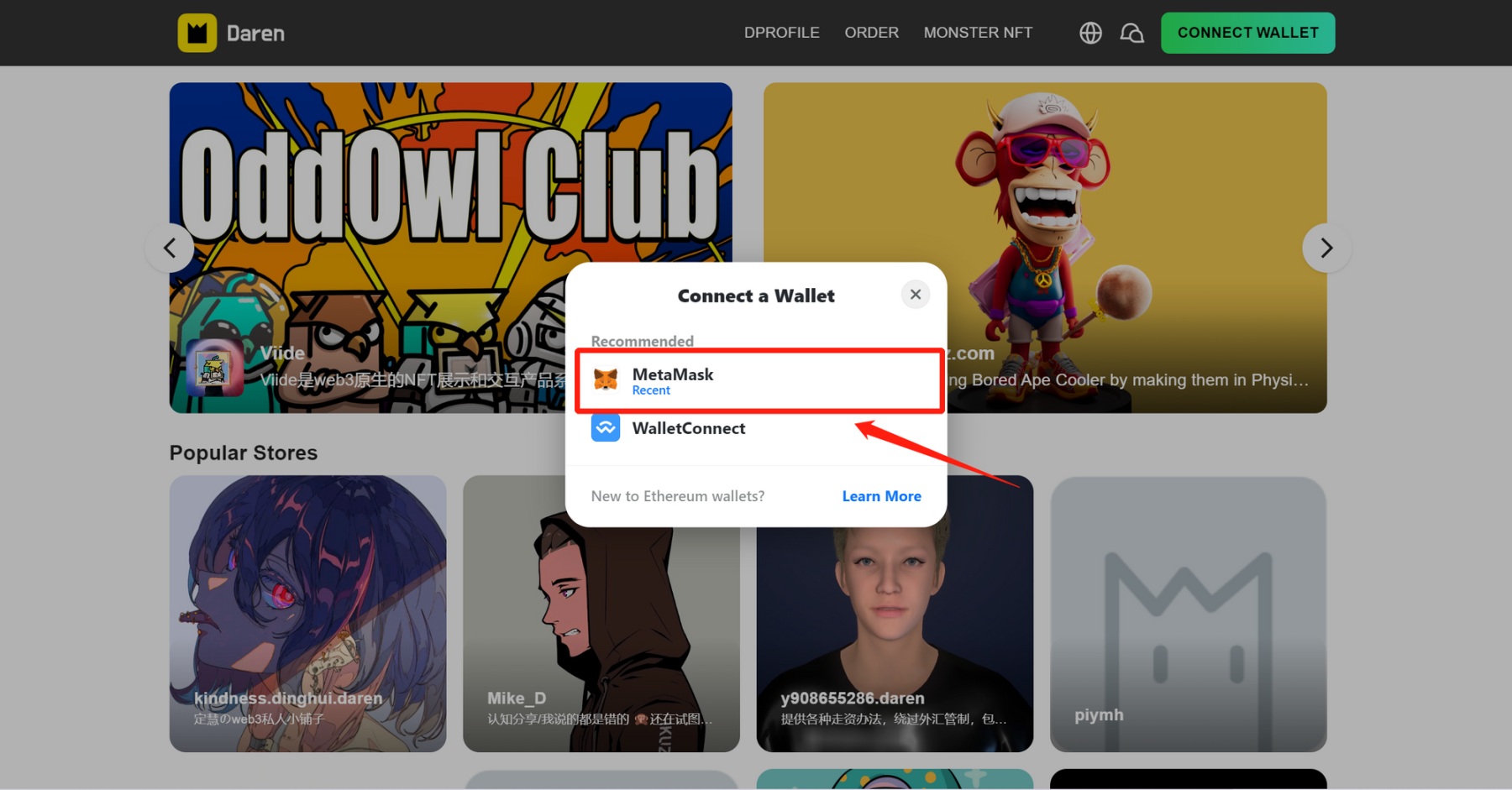
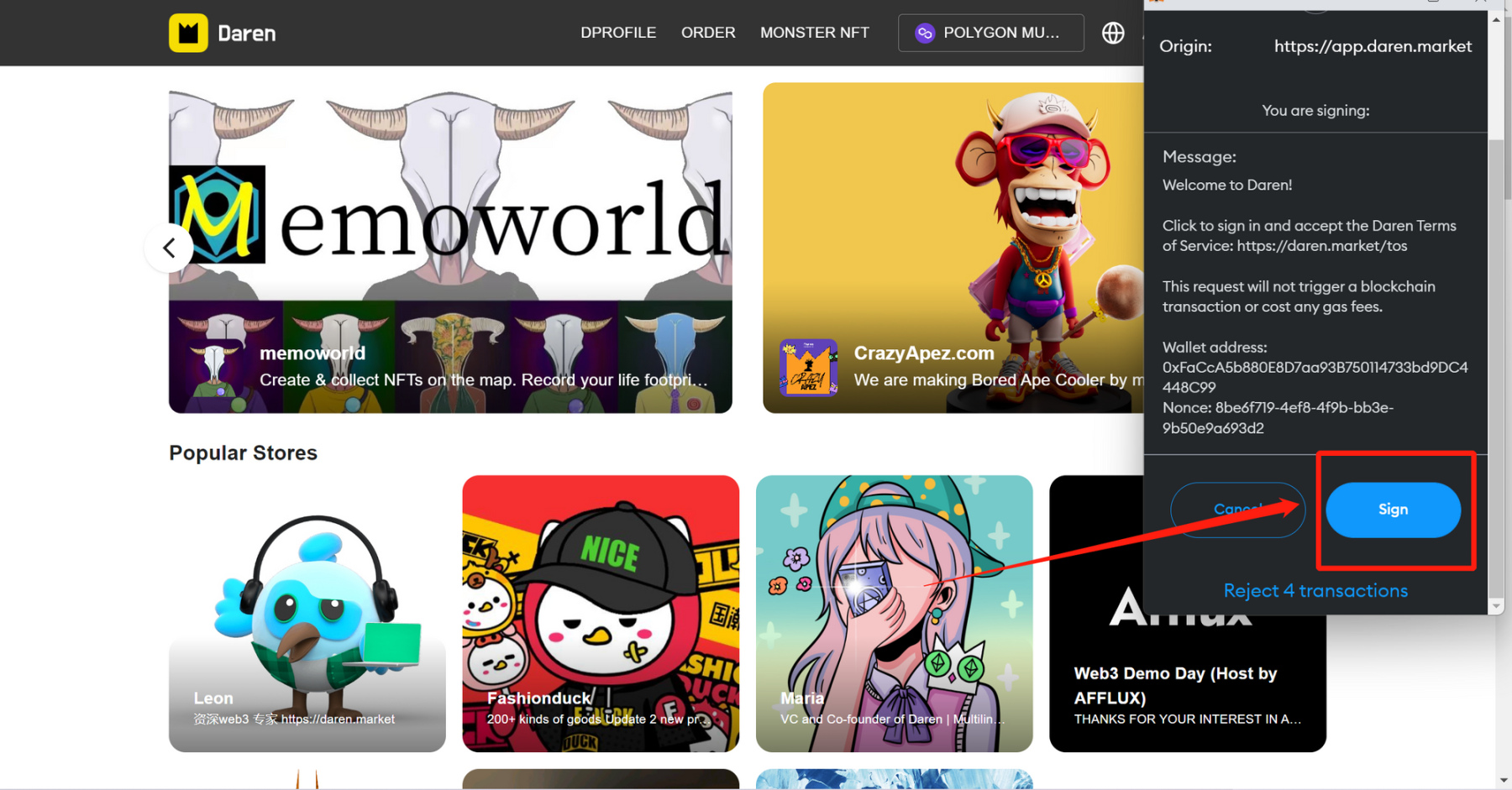
2.Connect wallet:Click the button CONNECT WALLET on the upper right,and then sign in Metamask
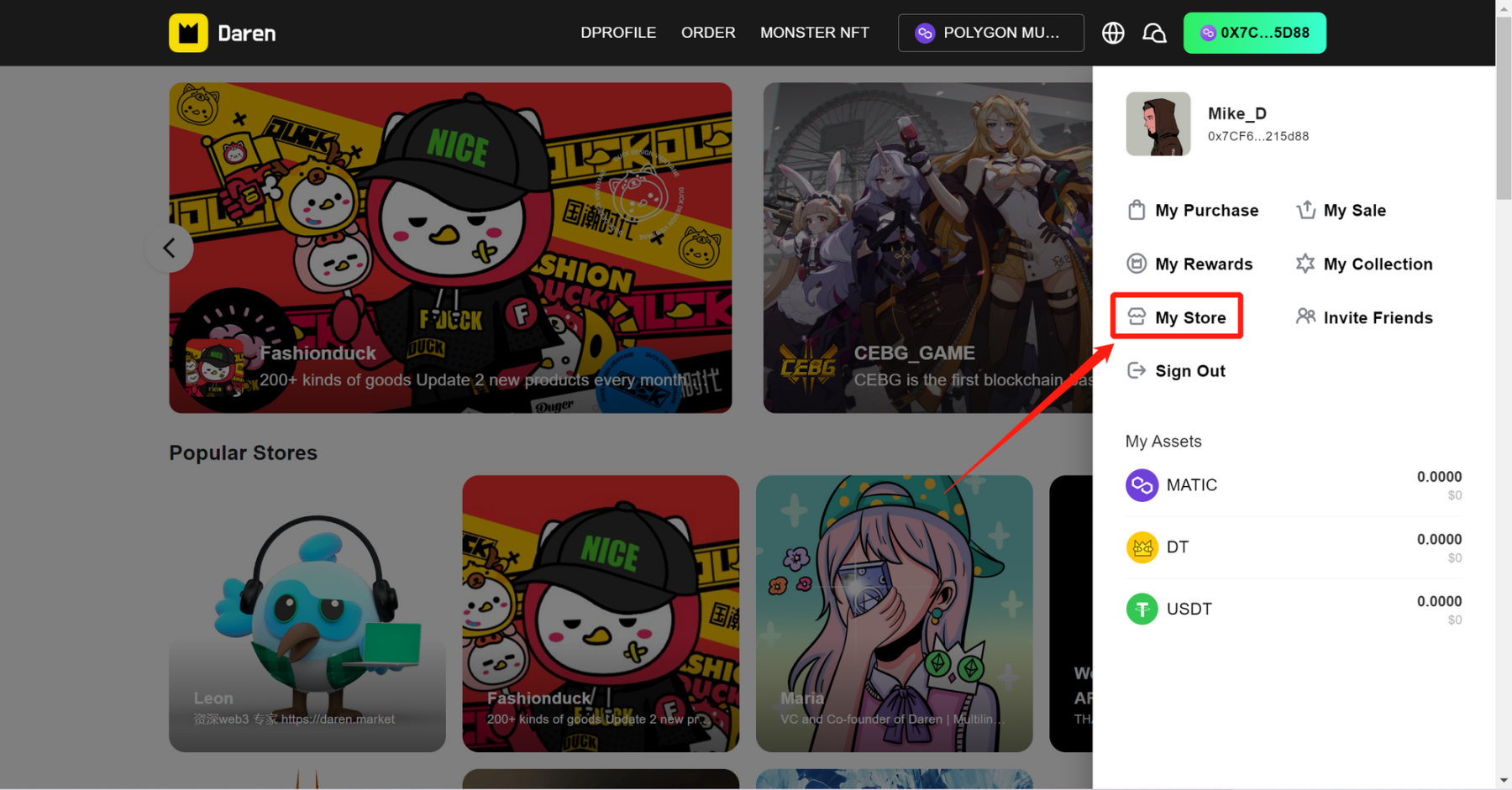
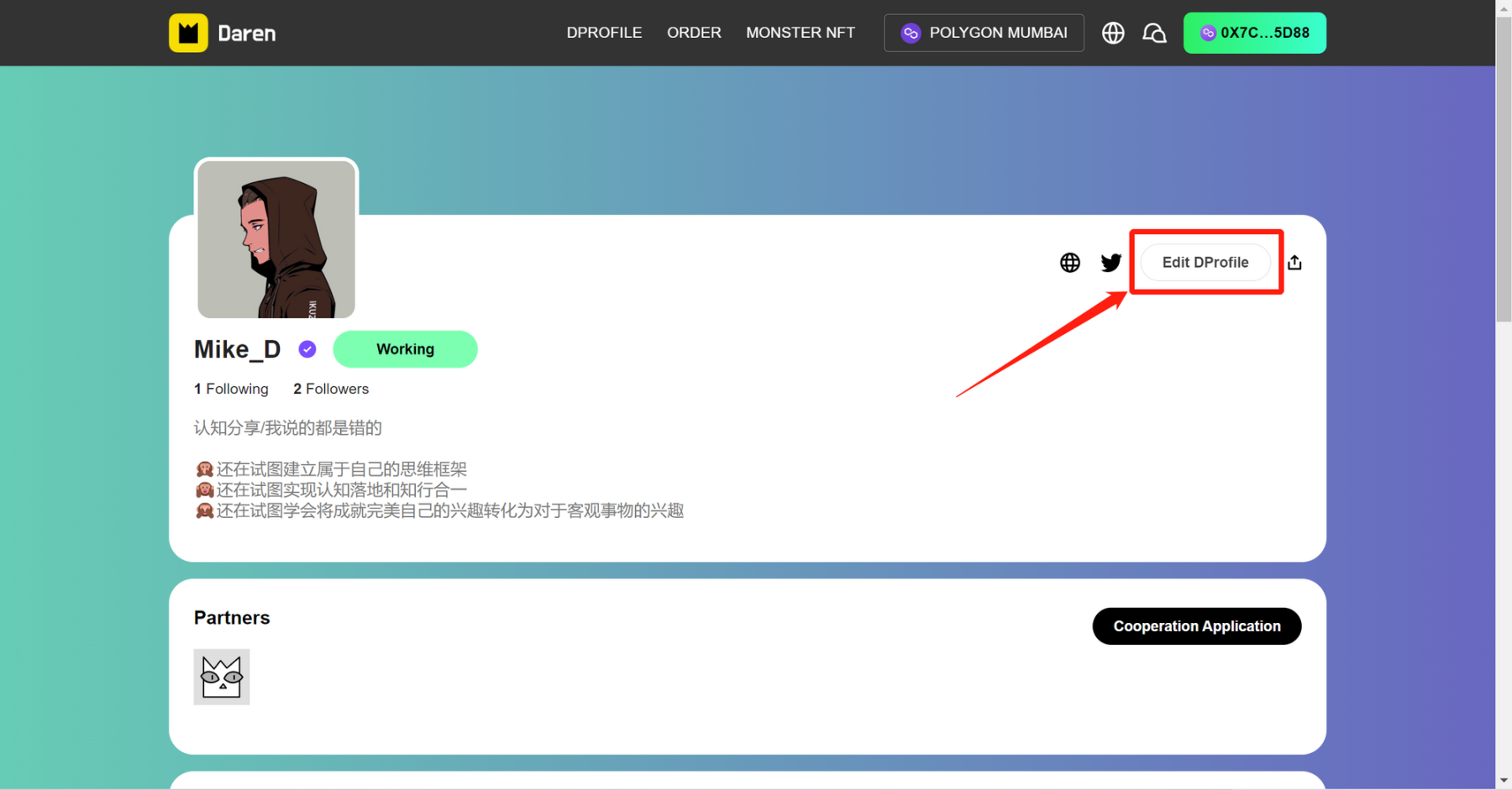
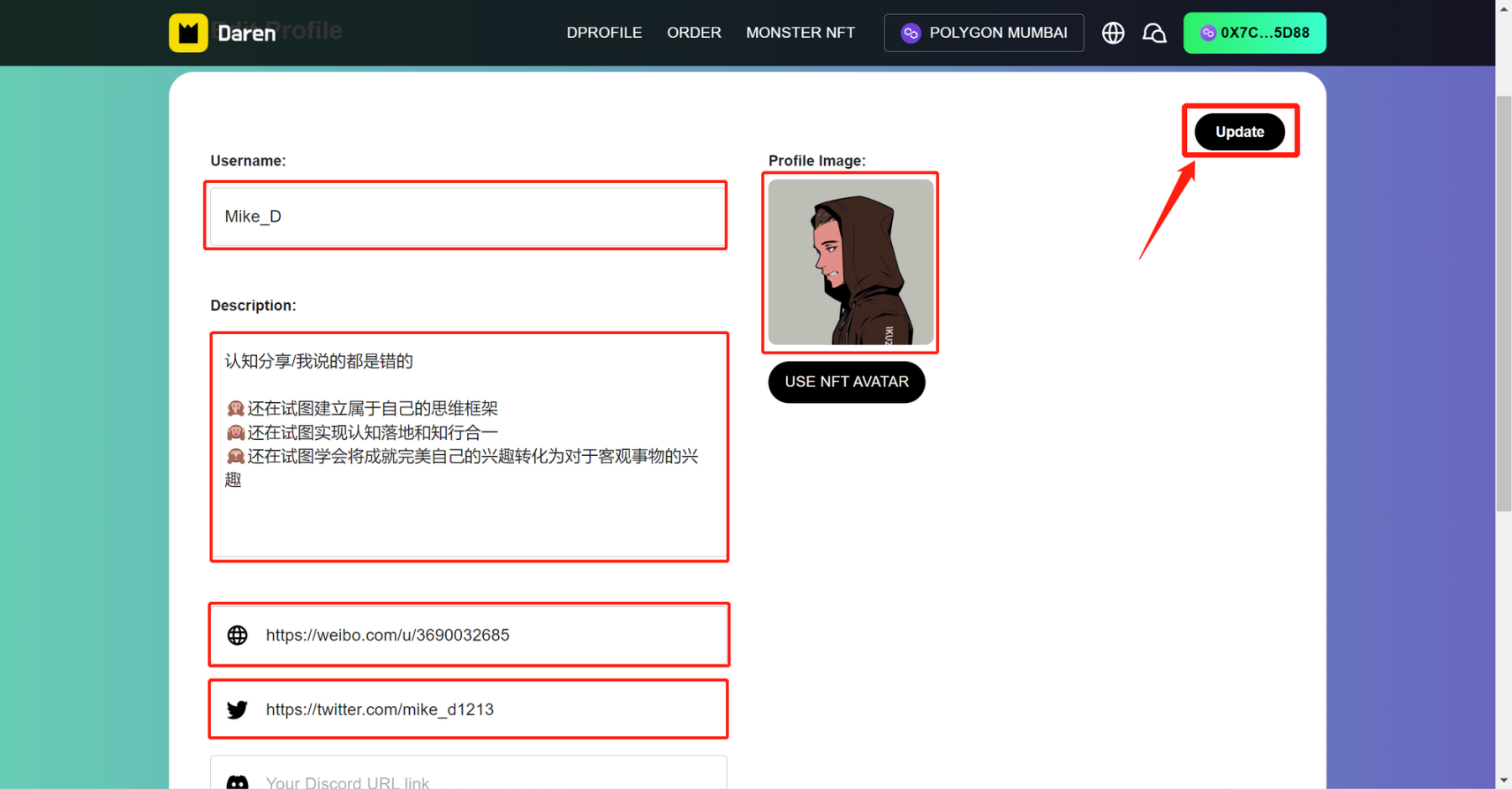
3.Profile Edit:Click the address on the upper right,enter My store,click Edit DProfile,fill in the blanks of info, and click Update
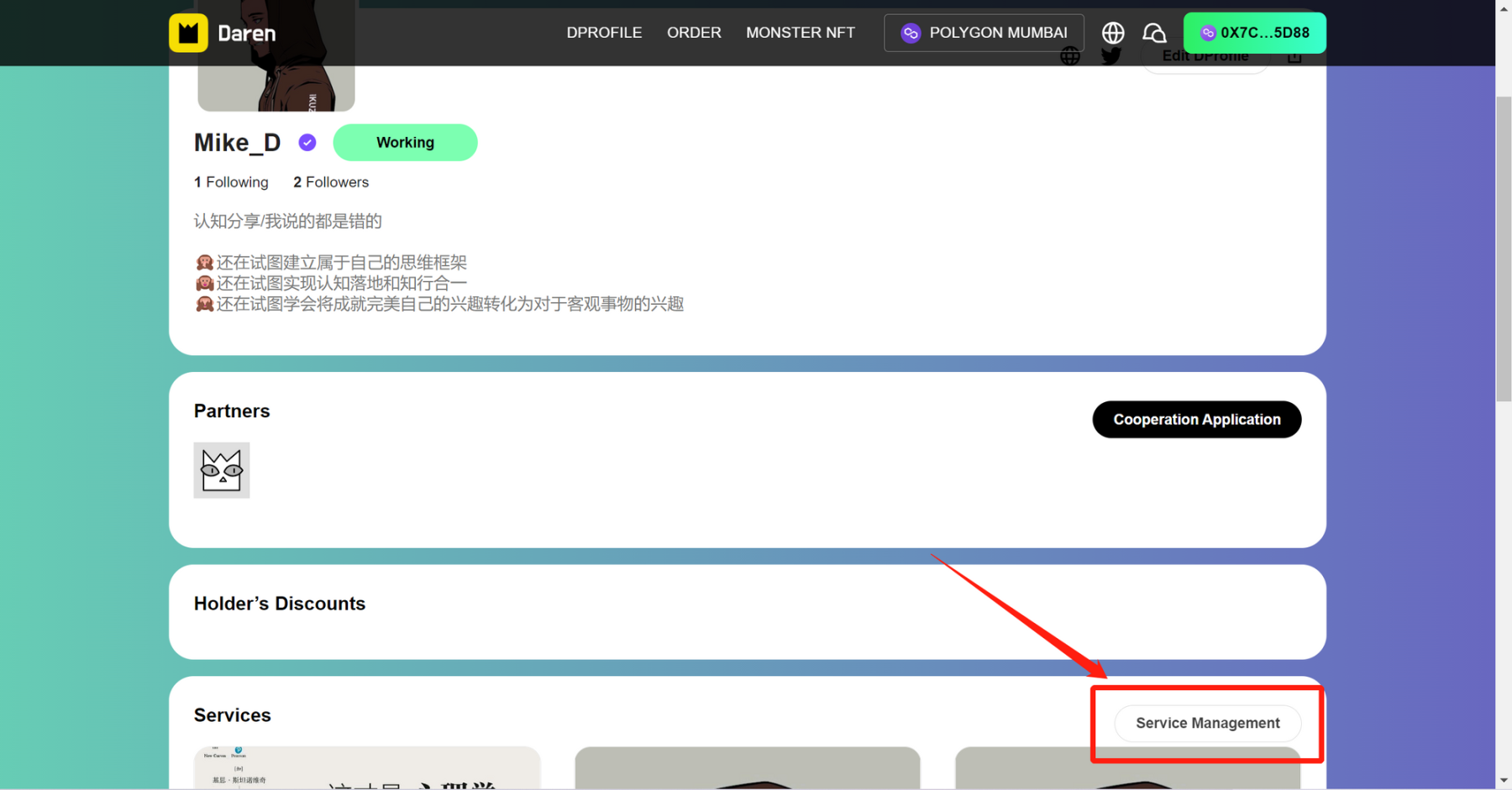
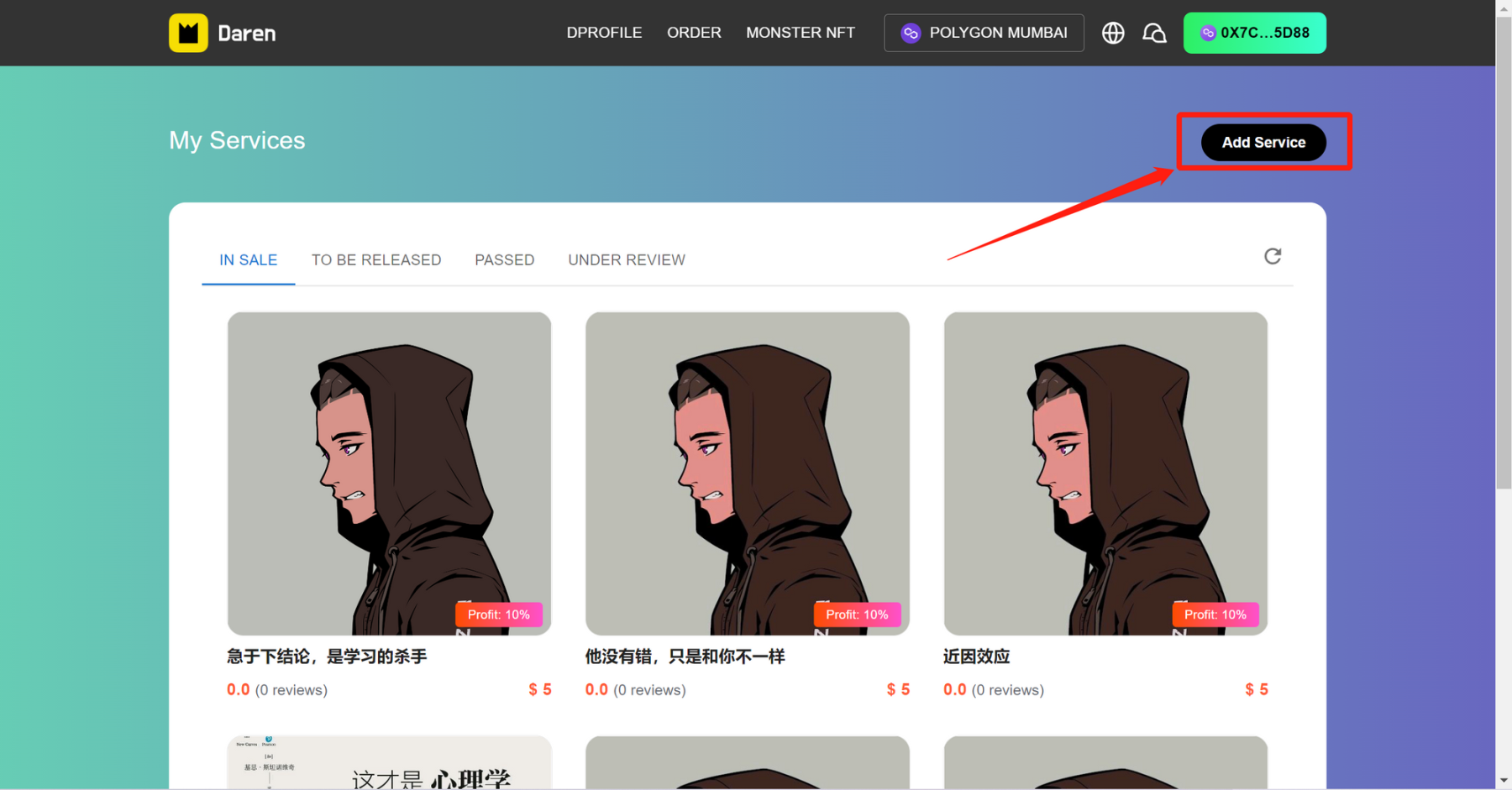
4.Service Listing:Click Service Management,and Add Serivice,fill in Service Name、Description、Picture and etc.,finally click SUBMIT
来源链接
【免责声明】市场有风险,投资需谨慎。本文不构成投资建议,用户应考虑本文中的任何意见、观点或结论是否符合其特定状况。据此投资,责任自负。

在 App 打开